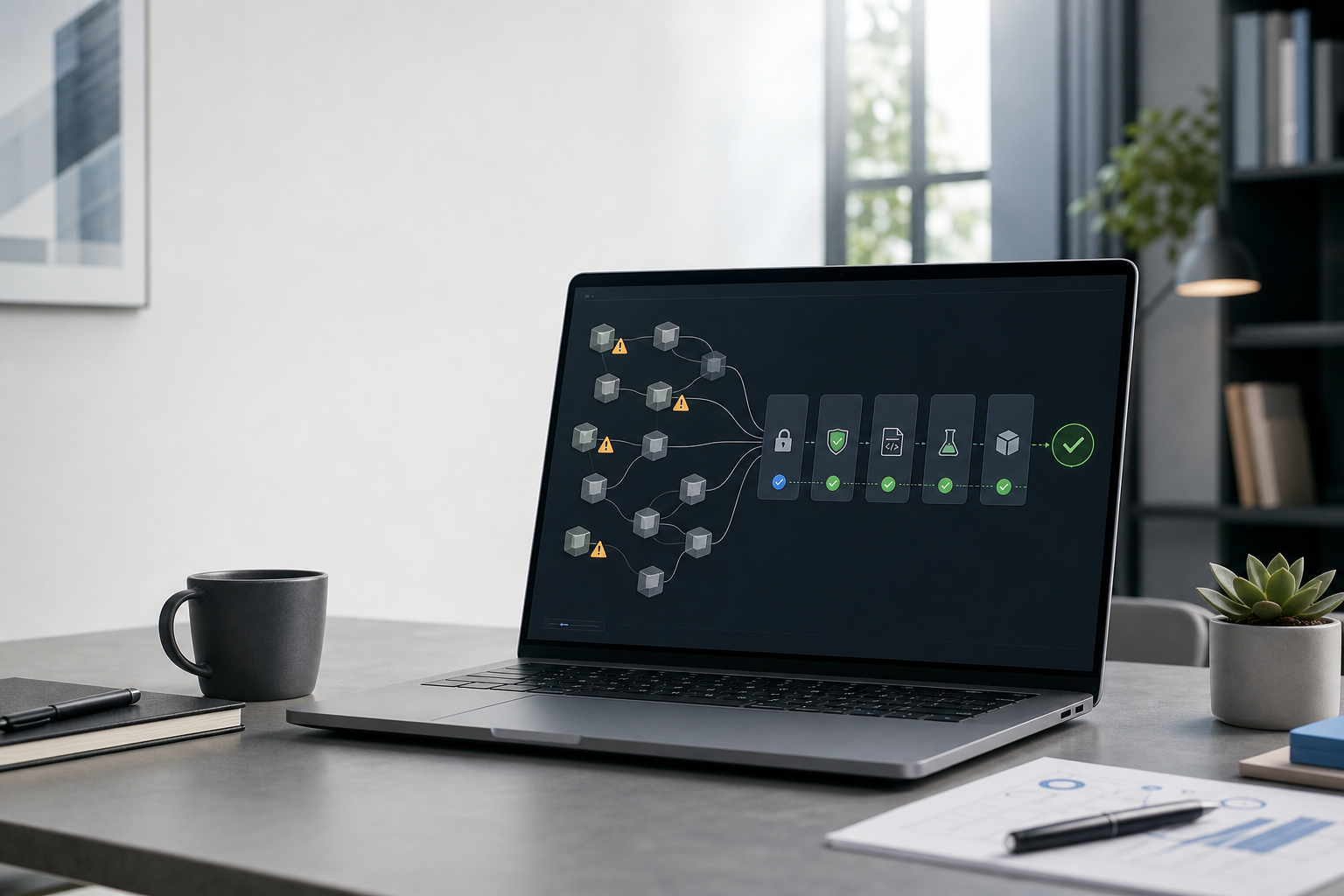
Plugin4Shell: A Pinned AI Agent Plugin Was Not Necessarily the Code That Ran
Plugin4Shell bypassed commit pinning in four major coding agents. The immediate task is patching; the lasting lesson is to verify resolved artifacts and constrain agent runtimes.
Kyluke McDougall
Software Architect & Founder
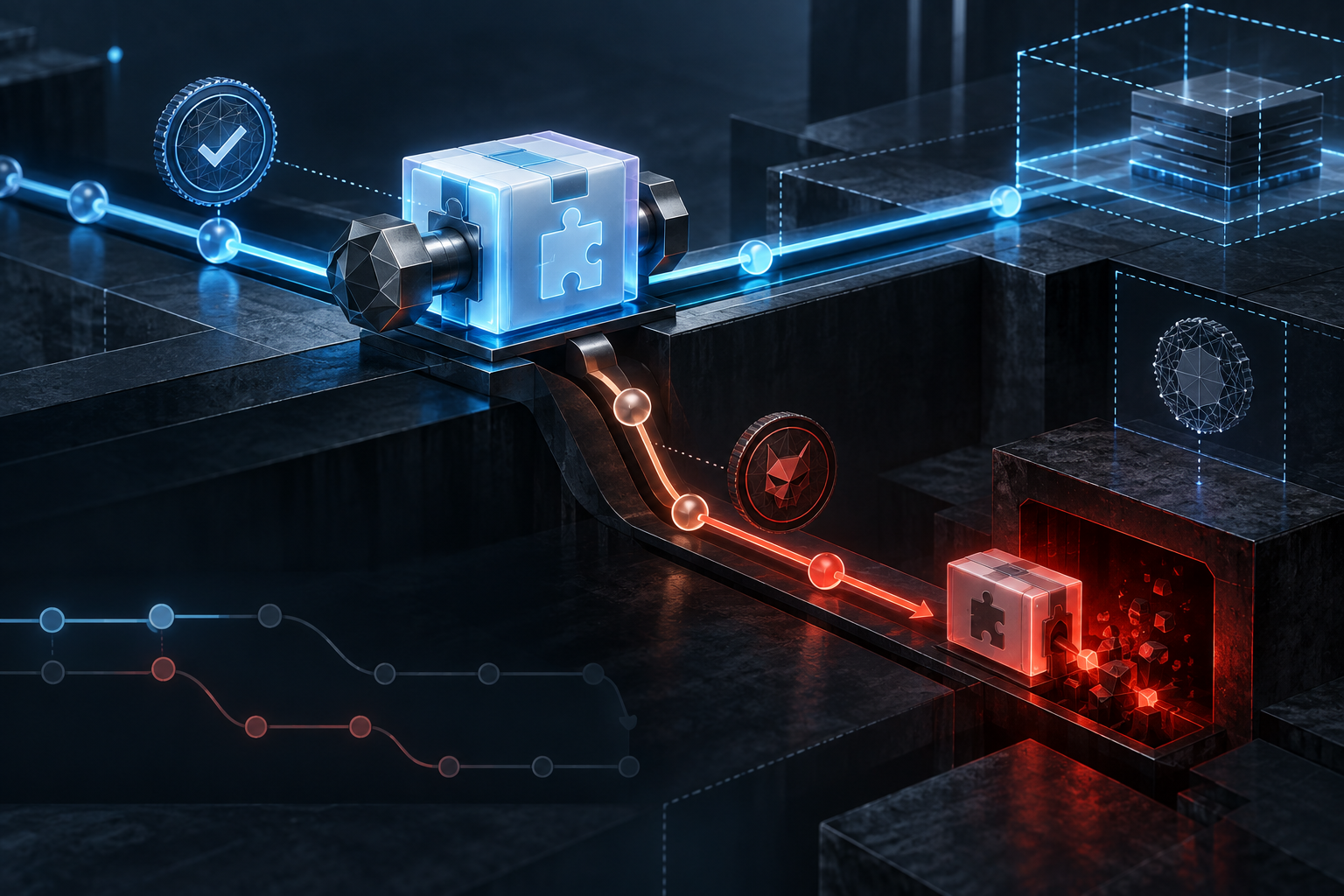
Commit pinning sounds like a strong security control.
A team reviews a plugin, records the exact Git commit and expects every installation to use precisely those bytes. The repository can move on, but the pinned version should remain stable.
Plugin4Shell is a useful warning that the control is only as strong as the final verification step.
Security company AIR reported a zero-click remote-code-execution vulnerability in the plugin installation and update paths of Claude Code, OpenAI Codex, GitHub Copilot and Gemini CLI. According to the researchers, the affected clients requested a pinned Git identifier but did not verify that the resulting working tree actually resolved to that commit.
That distinction allowed a repository owner to make a pin appear honoured while different code was checked out. Background plugin updates could then deliver the changed code to an existing installation without another user action.
The immediate response is straightforward: check affected tools, update where a fix exists and review installed plugins.
The more durable lesson matters beyond these four products:
A configured security intention is not evidence of the artifact that actually ran.
For founders, CTOs and product teams using AI-supported development, that is an architecture and operations issue—not merely another vulnerability headline.
What Plugin4Shell changed
AI coding tools increasingly support plugins, extensions, skills and marketplaces. These additions can make an agent much more useful. They can connect tools, add workflows and teach the agent repeatable ways to handle a project.
They can also execute with the reach of the agent process.
A coding agent may read a repository, modify files, run shell commands, access developer credentials and connect to issue trackers, CI systems or cloud tooling. A compromised plugin therefore does not inherit the risk profile of a harmless editor theme. It can inherit the agent’s authority.
Marketplaces and security-conscious teams try to control that risk with review and version pinning:
- inspect a plugin at a known commit;
- approve that version;
- store the commit hash;
- install only the pinned revision.
Plugin4Shell broke the assumption between steps three and four.
AIR’s report says the affected clients performed a Git checkout using the expected identifier but did not confirm that the checked-out HEAD matched it. Git permits names and object identifiers to become ambiguous in ways that are easy for automation to overlook.
For Claude Code, Codex and Copilot, the reported attack used a default branch named like the 40-character pinned hash on Git hosts that permit such branch names. Git could resolve the name as a branch rather than the expected commit, issuing an ambiguity warning while continuing.
Gemini CLI had a related variant involving a default branch named FETCH_HEAD. The details differed, but the missing guarantee was the same: the client did not compare the final resolved commit with the expected pin.
A single assertion after checkout would have exposed the mismatch.
That is why this incident is more useful than a generic warning about malicious plugins. The teams most likely to care about security may already have reviewed and pinned their dependencies. Plugin4Shell shows that declaring a pin and enforcing one are different operations.
Why the attack could become zero-click
The phrase “zero-click” can sound dramatic, so the mechanism is worth understanding.
According to AIR, Claude Code and Codex updated installed marketplace plugins in the background by default. An attacker did not necessarily need to persuade a developer to install a newly suspicious package.
A plausible sequence was:
- publish or take control of a legitimate-looking plugin;
- have a benign update reviewed and pinned by the marketplace;
- manipulate Git name resolution in the upstream repository;
- let the agent’s background update retrieve attacker-controlled code;
- execute within the agent environment.
The dangerous moment was therefore not limited to first installation. An already-approved plugin could change later through an update path the user considered controlled.
That matters operationally. Many procurement and engineering checks focus on adoption: who approved the tool, which version was reviewed and whether the source looked trustworthy at the time. The update mechanism often receives less attention.
For software that can execute commands, the update path is part of the production security model even when the tool runs on a developer laptop.
What teams should do now
The exact vendor status can change quickly. AIR reported fixes in Claude Code 2.1.179 and Codex 0.146.0 when it published the research. It reported no GitHub Copilot fix at that point and said the deprecated Gemini CLI would not receive one, with migration recommended.
Do not treat those numbers as a permanent compatibility table. Check current vendor advisories and your installed versions.
A practical response has six parts.
1. Inventory agent clients and plugins
Identify which coding agents are in use, including personal installations that touch company repositories.
Record installed plugins, marketplaces, skills, extensions and custom integrations. Include the source repository, owner, installed version, update mode and permissions available to the agent.
Without an inventory, patching the obvious desktop installation may leave CI runners, remote development environments or individual developer machines exposed.
2. Update or isolate affected clients
Apply supported fixes promptly. Where no fix exists, disable the affected plugin mechanism, remove unneeded plugins or stop using the client for trusted work until there is a safe path.
If an old tool is deprecated, migration is usually safer than building a permanent exception around it.
3. Review the update path
Ask what happens after initial approval.
- Are plugins updated automatically?
- Does an update require review?
- Is the downloaded artifact content-addressed?
- Does the client verify the resolved commit after checkout?
- Are signatures or transparency logs available?
- Can a repository owner replace what a stable reference resolves to?
- Is there an audit trail showing what code was installed and when?
A marketplace review is useful, but it cannot compensate for a client that resolves the approved identifier incorrectly.
4. Reduce the agent’s blast radius
Assume that one extension, plugin or instruction layer may eventually be compromised.
Run coding agents without production credentials by default. Separate client environments. Use scoped and short-lived tokens. Keep package-publishing keys, signing material and broad cloud access out of ordinary sessions. Require approval for sensitive commands and route code changes through reviewed pull requests.
Supply-chain controls try to prevent malicious code from arriving. Runtime controls limit the damage if prevention fails. Serious systems need both.
5. Look for evidence, not only configuration
A file that says “version X” is intent. A resolved digest, verified signature or checked HEAD is evidence.
This principle applies across the delivery chain:
- verify the image digest actually deployed, not only the Docker tag;
- verify the dependency tree actually built, not only the lockfile committed;
- verify the workflow revision actually executed, not only the branch configured;
- verify the plugin artifact actually loaded, not only the commit requested.
Controls should measure the state at the point where trust is consumed.
6. Preserve logs for retrospective review
Teams should be able to determine which plugin revision ran on which machine, when it changed and what the agent could access.
If an advisory appears weeks later, that evidence decides whether the response is a simple update or a broader credential rotation and incident investigation.
Pinning still matters
The wrong conclusion is that commit pinning is useless.
Pinning remains far better than following a moving branch or accepting whatever a repository serves today. The failure was not the idea of an immutable reference. It was the absence of a check that immutability had actually been achieved.
A robust implementation resolves the artifact, derives its identity independently and compares it with the expected value. If the values differ, installation stops.
For Git-based distribution, that means verifying the final commit. For packaged artifacts, it may mean cryptographic hashes, signatures, provenance attestations or a content-addressed store. The implementation varies; the invariant does not.
The thing executed must be the thing reviewed.
This is a small sentence with large consequences for AI-agent platforms. Plugins are not simply content. They are executable influence inside software that can already act.
The architecture lesson for AI-supported development
AI tooling is creating a new delivery layer faster than many companies can govern it.
Teams now have model providers, agent clients, project instructions, plugins, skills, MCP servers, local tools, remote sandboxes and background update channels. Each layer may look like a productivity feature in isolation. Together they form an execution platform.
That platform needs the same properties expected elsewhere in serious software:
- explicit trust boundaries;
- immutable or verifiable artifacts;
- least-privilege identities;
- controlled updates;
- observable execution;
- rapid revocation;
- and clear ownership.
Plugin4Shell matters because review and pinning appeared to provide one of those properties but did not enforce it at the final boundary.
This pattern is not unique to AI. Security failures often live in the gap between policy and resolved state: the role that was configured versus the permission actually inherited, the image tag that was approved versus the digest deployed, or the hostname validated versus the endpoint reached after redirects.
Agents make that gap more consequential because they combine untrusted inputs with powerful actions.
Controlled speed is still the goal
The answer is not to stop using coding agents or third-party plugins.
The answer is to know which capabilities are installed, verify what actually runs and design the environment so one failure does not expose the whole company.
For most product teams, that means a managed set of supported agent tools, approved extensions, current clients, constrained credentials, reviewable code changes and logs that make incidents reconstructable.
AI-supported development can still make serious teams faster. But speed becomes a business advantage only when the delivery system remains understandable under pressure.
Plugin4Shell gives teams a concrete test:
Can you identify every agent plugin in use, prove which code it resolves to, update or disable it quickly and explain what it could access?
If the answer is no, the next step is not another agent feature.
It is closing the verification gap.
This article was created with the help of AI. McDougall Digital is responsible for its content.