Your AI Coding Agent Should Not Trust Your Logs
Agentjacking is a timely reminder that AI coding agents must treat logs, monitoring data, tickets, and MCP tool output as untrusted input, not authority.
Kyluke McDougall
Software Architect & Founder
AI coding agents are becoming much more useful when they can see the world around the code.
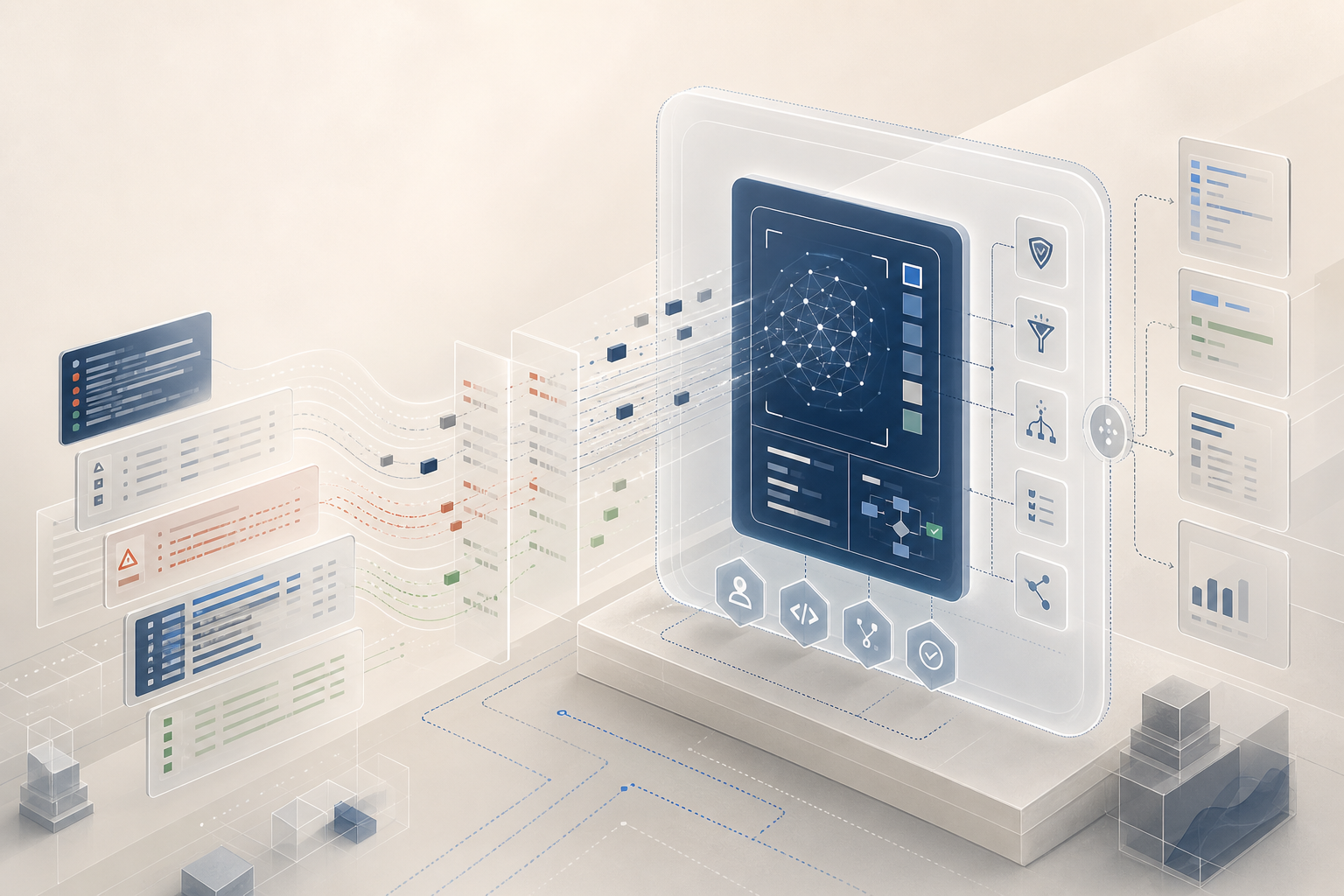
They can read error reports. They can inspect logs. They can look at tickets, CI failures, documentation, database schemas, observability dashboards, and deployment output. Through MCP and similar integrations, they can connect to the tools a software team already uses.
That is powerful.
It is also where the security model changes.
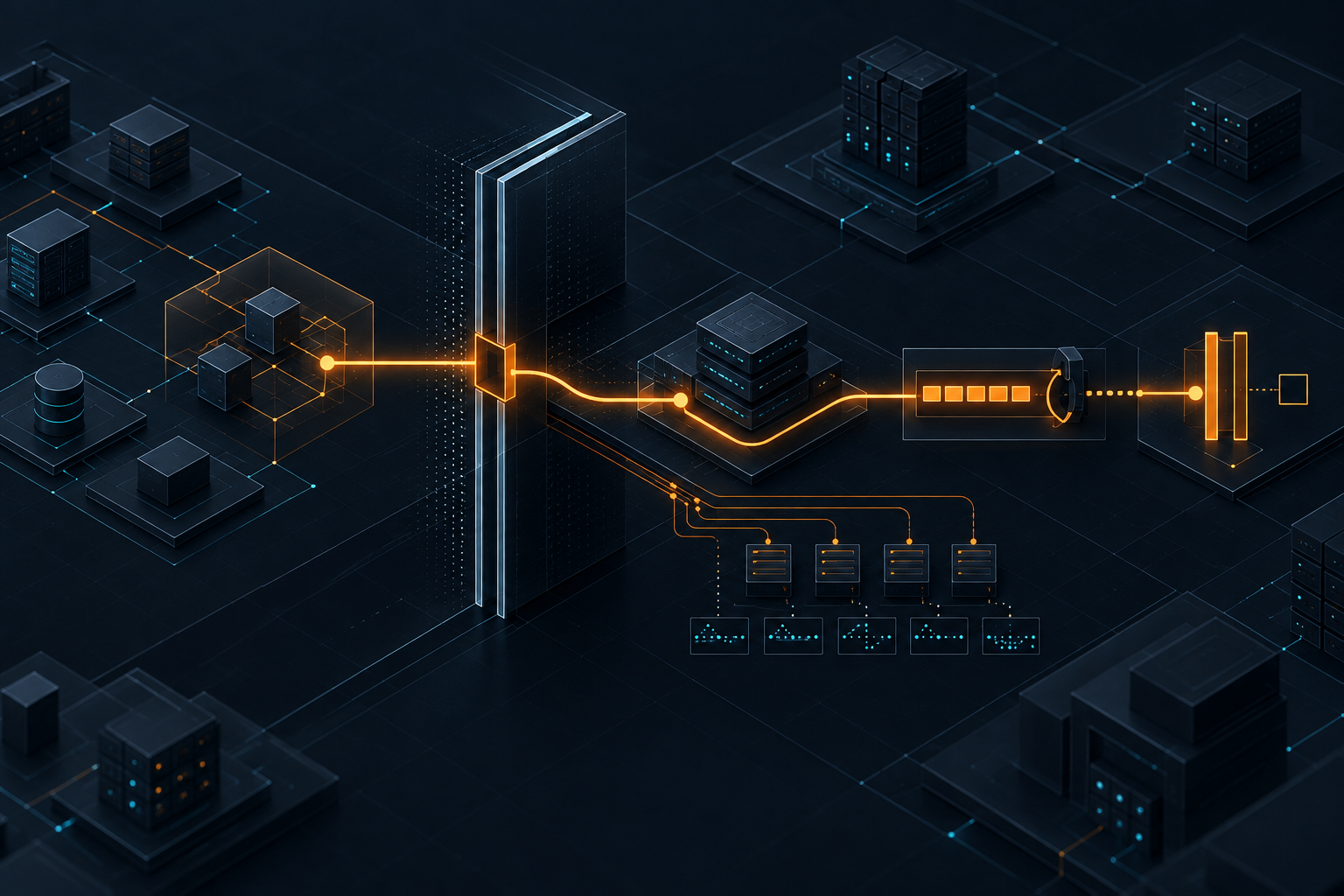
Today on X, a new term moved quickly through the AI coding and security discussion: Agentjacking. The reported pattern is direct enough to matter to non-security specialists. An attacker can inject malicious instructions into operational data, such as a Sentry error event. An AI coding agent then reads that event through an integration and treats the content as useful debugging context. If the agent is allowed to run commands, access credentials, or edit code, the malicious “context” can become an action.
The exact details will keep evolving. Specific tools will patch things. Security researchers will refine the examples. Vendors will add warnings and controls.
But the important lesson is already clear:
Your AI coding agent should not trust your logs.
More broadly, it should not automatically trust any external tool output. Not logs. Not tickets. Not monitoring events. Not CI comments. Not documentation pulled from a shared workspace. Not MCP responses. Not customer support transcripts. Not anything that can be influenced by users, attackers, third parties, misconfigured systems, or old internal processes.
For founders, CTOs, product owners, and Mittelstand teams, this is not a reason to avoid AI-assisted development. It is a reason to adopt it with a real architecture.
Tool Output Is Input, Not Instruction
The most dangerous mistake is subtle.
A team connects an AI coding agent to useful systems because it wants better context. That makes sense. A bug fix is easier when the agent can see the error, stack trace, recent deployment, related ticket, and failing test.
Then the agent starts treating that context as if it were trustworthy instruction.
That is the failure.
A log line is not a manager. A Sentry event is not a senior engineer. A ticket comment is not a deployment approval. A CI failure message is not automatically safe to execute. These things are inputs. Some are useful. Some are noisy. Some are wrong. Some may be hostile.
Humans already understand this instinctively. If a stack trace contains a strange string from user input, a developer does not treat it as a command. If a support ticket includes customer-supplied HTML, the team does not paste it into production blindly. If a log contains an access token, the answer is not to spread it further.
AI agents need the same boundary, but implemented in process and tooling rather than vibes.
This is especially important because agents are designed to be helpful. If an error event says “run this command to fix the issue,” the agent may interpret that text as part of the task unless the system clearly separates evidence from authority.
That distinction is now central to production AI development.
The New Trust Boundary Is Around Context
Traditional application security focuses heavily on inputs crossing into an application: form fields, API requests, uploaded files, webhooks, query parameters, authentication tokens, database access, and so on.
AI-assisted development adds a second class of input: context crossing into an agent.
That context may include:
- application logs;
- monitoring events;
- Sentry issues;
- CI output;
- pull request comments;
- Jira or Linear tickets;
- Slack threads;
- customer support conversations;
- documentation pages;
- database schemas;
- terminal output;
- MCP tool responses;
- generated code from another agent.
Each source has a different trust level. Some are internal. Some are external. Some are partly user-controlled. Some are machine-generated. Some are editable by many people. Some contain secrets. Some may include attacker-controlled strings because the application logged them during an incident.
If all of that becomes a single undifferentiated prompt, the agent cannot reason safely about authority.
This is why “we told the model not to do dangerous things” is not enough. Prompt rules help, but they are not an architecture. A production system needs controls that do not depend entirely on the model noticing the trap.
The useful question is not only:
“Can the agent read this?”
It is:
“What is this source allowed to influence?”
A public error message might help the agent locate a bug. It should not be allowed to instruct the agent to run a shell command. A ticket might describe desired behaviour. It should not grant database access. CI output might show a failing test. It should not become a reason to bypass review.
Context needs permissions too.
Why This Matters for Serious Products
For a prototype, the risk may feel abstract. A developer is experimenting locally, the repository is small, and the agent is mostly generating code that someone reads.
For a serious product, the stakes are different.
The agent may have access to:
- private source code;
- environment variables;
- Git credentials;
- package registry tokens;
- production-like data;
- deployment scripts;
- cloud project metadata;
- internal documentation;
- customer-specific bug reports;
- security-sensitive logs.
Even if the agent cannot deploy directly, it may still be able to make damaging changes. It can write code. It can modify tests. It can edit configuration. It can open pull requests. It can recommend shell commands. It can generate migrations. It can change dependencies. It can create a plausible explanation for a bad change.
This is why McDougall Digital treats AI-supported development as an operating model, not just a tooling choice.
The question is not “Should we use Claude Code, Cursor, Devin, Replit, or another tool?”
The better question is:
“What privileges does an AI-assisted workflow actually need, and where do we deliberately stop it?”
That is an architecture question. It touches repository structure, credentials, deployment permissions, review process, logging, observability, data protection, and team habits.
For German-market clients, this matters even more. Many Mittelstand teams are not building disposable apps. They are building systems that sit inside operations, customer workflows, supplier relationships, finance processes, logistics, health data, HR data, or regulated environments. The risk is not just a compromised demo. It is a weakened business process.
A Practical Trust Model for AI Coding Agents
The right response is not panic.
The right response is a trust model.
Start by mapping the agent workflow. Which systems can the agent read? Which systems can it write to? Which commands can it run? Which credentials are available in its environment? Which files can it edit? Which actions require a human? Which outputs are reviewed before they affect production?
Then classify the context sources.
1. Treat Operational Data as Untrusted by Default
Logs, monitoring events, error reports, and customer-facing inputs should be treated as untrusted, even when they come through internal tools.
This does not mean they are useless. It means they are evidence, not authority.
An agent can use an error event to understand a failure. It should not follow instructions embedded inside that event. The system prompt, agent runner, and review process should make that distinction explicit.
2. Separate Reading From Acting
An agent that can read a Sentry issue does not automatically need permission to run arbitrary shell commands.
An agent that can inspect CI output does not automatically need permission to modify deployment configuration.
An agent that can draft a migration does not automatically need permission to apply it.
Reading and acting should be separate capabilities. The more sensitive the action, the more explicit the approval path should be.
3. Use Least-Privilege Credentials
Do not run agents in a developer environment where every useful secret is already available.
This is inconvenient, which is why many teams do it anyway. But it creates exactly the kind of blast radius that indirect prompt injection wants.
Agents should use scoped tokens, limited environments, temporary credentials, and separate service accounts wherever possible. If an agent does not need production access, it should not be able to reach production secrets by accident.
4. Redact Before Context Enters the Agent
If logs contain tokens, personal data, customer identifiers, or sensitive operational details, the answer is not to hope the model handles them carefully.
Redact or filter before the data enters the agent context.
This is both a security and data-protection issue. For European teams, it also fits naturally with GDPR expectations: only provide the data needed for the task, and avoid unnecessary exposure.
5. Require Human Approval for Boundary-Crossing Actions
Some changes deserve explicit human review every time:
- authentication and authorization changes;
- data model changes;
- migrations;
- dependency upgrades with security implications;
- deployment configuration;
- infrastructure changes;
- logging and telemetry changes;
- payment, finance, or customer-data workflows;
- production incident fixes.
AI can prepare the change. It can explain it. It can propose tests. It can draft rollback notes. But it should not silently cross important product, security, or operational boundaries.
6. Make the Agent Produce Evidence
A useful agent does not just say “fixed.”
It should produce evidence:
- what source data it used;
- what it ignored as untrusted;
- what files changed;
- what tests ran;
- what risks remain;
- what needs human review;
- what should be monitored after release.
This turns AI from a magical assistant into a participant in a delivery process.
That is less glamorous, but much more useful.
MCP Needs Architecture, Not Just Enthusiasm
MCP-style integrations are exciting because they make agents more capable. They also make the trust problem concrete.
An isolated coding assistant can only do so much. An agent connected to monitoring, tickets, GitHub, databases, cloud tools, documentation, and local shell access can do much more. That is the point.
But every integration answers two questions:
What can the agent know?
What can the agent do?
Many teams answer the first question enthusiastically and the second one accidentally.
That is backwards.
Before connecting an agent to a new tool, decide:
- whether the tool output may contain user-controlled data;
- whether the tool output may contain secrets or personal data;
- whether the agent can distinguish evidence from instructions;
- whether the integration is read-only or write-capable;
- whether writes are sandboxed;
- whether credentials are scoped;
- whether every sensitive action leaves an audit trail;
- whether a human can understand and reverse the result.
This is not anti-AI. It is the work that lets AI be used in real companies.
The teams that benefit most from AI coding agents will not be the ones with the longest list of integrations. They will be the ones with the clearest boundaries.
What Leaders Should Ask Before Scaling Agentic Development
If your team is already using AI coding tools, this is a good moment to ask a few blunt questions.
Where can an agent currently read from?
Where can it write?
Which secrets are available in the environment where it runs?
Can any external or semi-external user influence the text that reaches the agent?
Do agents treat logs, tickets, and monitoring events as untrusted input?
Can an agent run commands suggested by those sources?
Are generated changes small enough to review properly?
Are risky changes labelled clearly?
Is there a separate review path for security-sensitive, data-sensitive, and production-sensitive work?
Can you reconstruct why an agent made a change after the fact?
If these questions are hard to answer, the issue is not the AI tool. The issue is that the operating model is still informal.
That is common. Most teams adopted AI coding tools from the bottom up. A developer tried them, found them useful, and usage spread. That is a reasonable way to discover value. It is not a sufficient way to govern production impact.
At some point, AI-assisted development has to move from personal productivity into team architecture.
The Sensible Path Forward
Agentjacking is useful as a warning because it makes an abstract risk easy to understand.
But the long-term lesson is bigger than one attack name.
AI coding agents are becoming part of the software delivery system. They are no longer just autocomplete. They read context, form plans, edit files, run tools, summarize failures, and propose production fixes.
That means they need the same seriousness we already apply to other parts of delivery:
- clear responsibilities;
- least privilege;
- input validation;
- review gates;
- audit trails;
- data minimization;
- rollback planning;
- operational monitoring;
- human ownership of important decisions.
The best teams will not respond by banning AI agents. They will respond by making them safer and more useful.
They will give agents enough context to help, but not enough authority to quietly cause damage. They will let agents draft fixes, but require evidence before merge. They will connect agents to tools, but classify those tools by trust level. They will use AI to improve tests, documentation, observability, and review quality, not only to produce more code.
That is the practical middle ground.
McDougall Digital helps teams build that middle ground: AI-supported software development with architecture-first delivery, maintainable codebases, security-aware workflows, and operating models that fit serious products. For founders, CTOs, and Mittelstand teams, the goal is not to avoid powerful tools. It is to make sure the tools are placed inside a system that deserves their speed.
Your logs are valuable.
Your monitoring data is valuable.
Your tickets, CI output, and MCP integrations are valuable.
But they are not authority.
Treat them as evidence. Design the agent workflow around that fact. Then AI coding tools can become a serious delivery advantage instead of a new unreviewed attack surface.
This article was created with the help of AI. McDougall Digital is responsible for its content.