MCP turns AI coding agents into connected systems
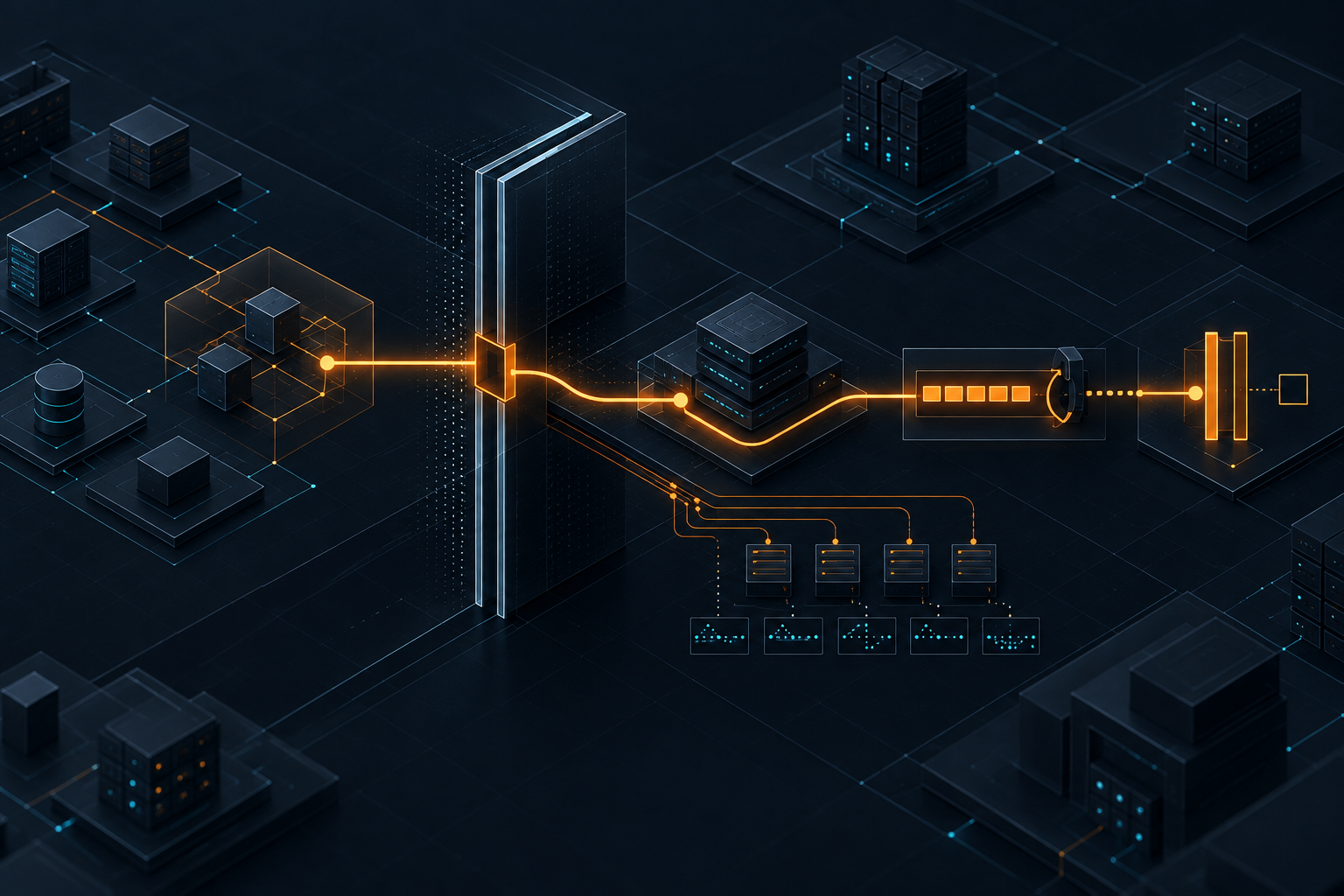
MCP makes AI coding agents more useful by connecting them to tools, data and workflows. It also means teams need production-style security boundaries around those connections.
Kyluke McDougall
Software Architect & Founder
MCP is one of the reasons AI coding agents are becoming genuinely useful.
It is also one of the reasons teams need to take them more seriously.
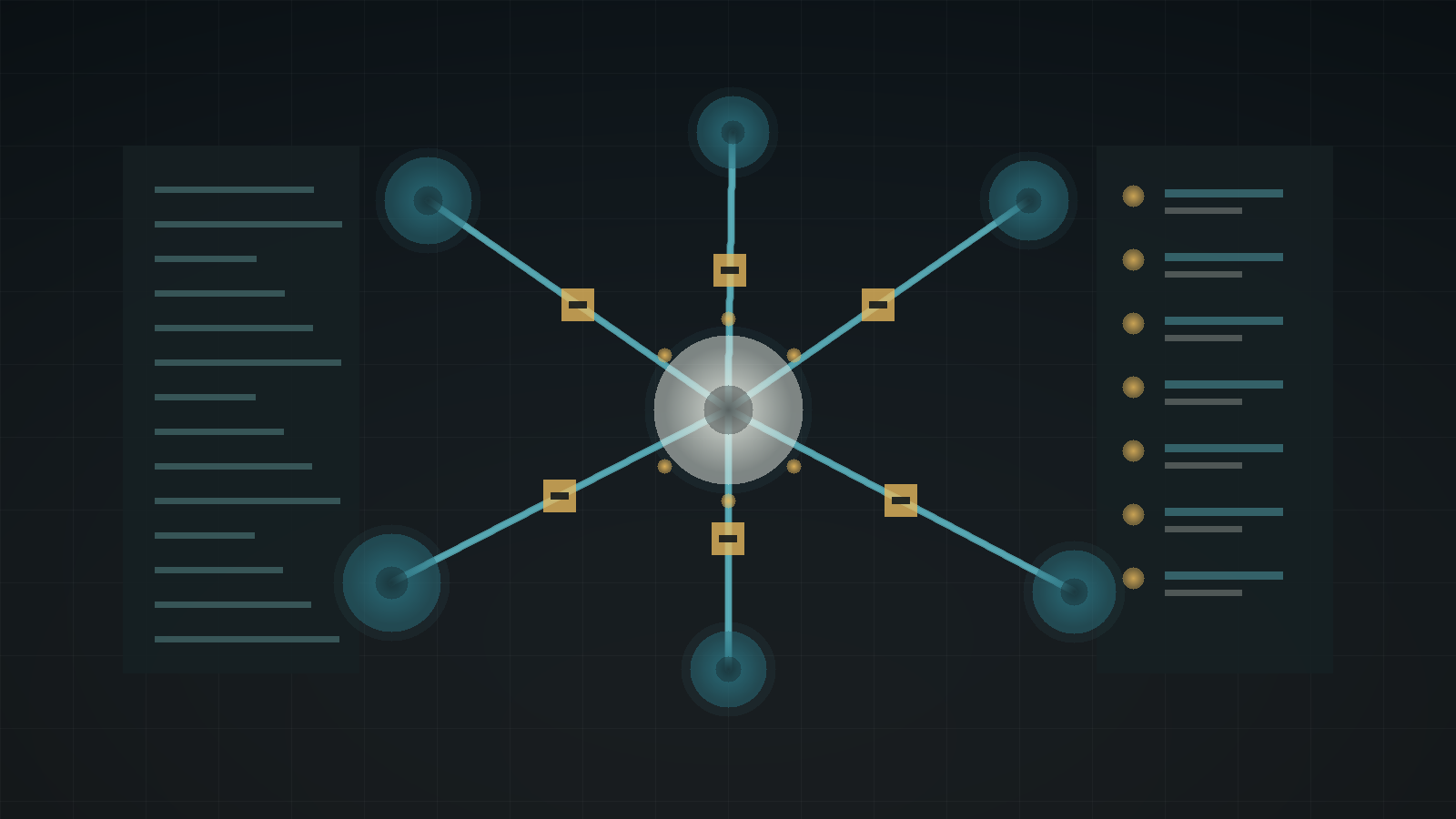
The Model Context Protocol gives AI assistants a standard way to connect to external tools and context. In practice, that can mean repositories, documentation, issue trackers, databases, browsers, cloud systems, internal APIs, local files and command-line workflows. For developers using tools such as Cursor, Claude Code, VS Code, Codex-style agents or internal assistants, MCP can turn a generic chatbot into something that understands and acts inside a real working environment.
That is powerful.
It also changes the security model.
A coding assistant that only suggests a function in a text box is one kind of risk. A coding agent that can call tools, inspect local state, query systems, update tickets, run commands or reach internal data is a different kind of risk. At that point the question is no longer only, “Is the generated code good?”
The question becomes:
What is this agent connected to, and what can it do?
That is why the current discussion around MCP security matters for founders, CTOs and product teams. The useful version of AI-assisted development is not a lonely prompt window. It is an integrated workflow. But integration means authority. Authority needs boundaries.
MCP is not just context
The word “context” makes MCP sound harmless.
Context can sound like documentation, source snippets or helpful background information. That is part of the story, but it is not the full story. MCP servers can expose tools. Tools can perform actions. Some actions are read-only. Others change state.
That distinction matters.
An MCP-connected assistant might be able to:
- search a repository;
- read internal documentation;
- inspect a database schema;
- open a browser session;
- create a Jira ticket;
- query logs;
- call a local script;
- generate a migration;
- interact with a cloud API;
- fetch customer-adjacent records;
- run tests or package commands.
Each individual capability may be reasonable.
The combined capability can be much larger than the team realises.
This is the pattern that matters for production readiness. AI tools often enter through convenience. A developer adds a connector because it saves time. Another developer adds a local MCP server for a database. Someone else connects a browser automation server. A team experiments with an issue-tracker integration. None of these decisions look dramatic in isolation.
But after a few weeks, the assistant may have a meaningful map of the product, the workflow and the surrounding systems.
That is no longer just better autocomplete.
It is a connected actor in the delivery environment.
The security problem is architectural
It is tempting to frame MCP security as a prompt problem.
Write better instructions. Tell the assistant to be careful. Ask it not to reveal secrets. Add a warning before dangerous actions. Those measures help, but they are not enough.
The deeper issue is architectural: which systems are reachable, which tools are available, which permissions those tools have, which data can flow into prompts, and which actions require human approval.
If an agent can reach a sensitive tool, the prompt is only one layer of defence. The safer default is to assume that prompts can be confused, context can be manipulated, and tool descriptions can become part of the attack surface. Recent security research around MCP focuses exactly there: client-side prompt injection, malicious or compromised tool descriptions, excessive permissions, and unclear trust boundaries between servers, clients and model context.
That does not mean teams should avoid MCP.
It means MCP should be treated like integration architecture, not like a harmless editor setting.
When a company connects an application to Stripe, DATEV, Salesforce, Google Workspace or an internal ERP, it normally thinks about permissions, audit logs, credentials, data handling and operational ownership. MCP deserves the same kind of thinking, scaled to the actual risk.
For a disposable prototype, a permissive setup may be acceptable.
For a product handling customer data, internal workflows, billing, operations or regulated information, it is not.
Tool access creates a supply chain
MCP also creates a new form of supply chain.
Traditional software supply chain risk is about packages, dependencies, build systems, containers, infrastructure and deployment paths. MCP adds another layer: tool servers that an AI assistant can call during development.
That layer can include first-party servers, third-party servers, open-source servers, local scripts, cloud-hosted services and connectors maintained by vendors. Some may be stable and well-documented. Some may be experimental. Some may be added quickly by a developer solving a local problem.
The question is not whether every MCP server is dangerous.
The question is whether the team knows which ones exist.
A useful MCP inventory should answer simple questions:
- Which MCP servers are approved?
- Who maintains them?
- Which tools do they expose?
- Are those tools read-only or state-changing?
- Which credentials do they use?
- Which repositories, files, APIs or databases can they reach?
- Are tool calls logged?
- Can access be revoked quickly?
- Are servers pinned, reviewed and updated deliberately?
- Which servers are allowed in production-adjacent workflows?
If nobody can answer those questions, the team does not yet have an operating model. It has an experiment.
Experiments are fine. But they should be labelled as experiments.
The failure mode is when prototype-level convenience quietly becomes part of the team’s normal delivery process.
The real risk is invisible authority
Most teams are already familiar with visible authority.
An admin console is visible. A production database credential is visible. A CI deployment token is visible. A cloud IAM policy is visible, even if it is sometimes painful to understand.
MCP authority can be less obvious because it is mediated through an assistant. A developer asks for help. The assistant calls a tool. The tool uses credentials. The result appears in the chat or in the editor. The developer experiences it as convenience, not as an access decision.
That is where the risk hides.
For example:
- A documentation server may expose private architecture notes that should not leave the company.
- A database server may allow schema inspection but accidentally include sample customer data.
- A browser automation server may access authenticated sessions.
- A repository server may expose environment files or deployment scripts.
- A ticketing connector may write internal comments that are later visible to clients.
- A local command server may let the agent run package scripts with side effects.
None of these require science-fiction scenarios.
They are ordinary integration mistakes with a faster interface.
The agent does not need to be malicious for this to matter. It only needs to be over-connected, under-constrained or misled by hostile context.
What a sane MCP operating model looks like
Teams do not need a 60-page policy before using MCP.
They do need a few clear rules.
1. Start with an inventory
List every MCP server used by the team.
Include local servers, vendor connectors, experimental servers and anything configured in editors or agent tools. If the list is surprising, that is useful information. The first step is visibility.
For each server, record what it can read, what it can change, which credentials it uses and who owns it.
2. Separate read tools from action tools
Reading documentation is not the same as changing a ticket, running a command or touching a database.
Treat those capabilities differently. Read-only tools can often be allowed more broadly. State-changing tools should require stronger review, clearer logs and narrower permissions.
This distinction should be visible in configuration and in team habits. If every tool feels the same inside the assistant, people will underestimate the difference.
3. Apply least privilege
An agent helping with frontend implementation does not need access to production infrastructure. An agent explaining database schema does not need write credentials. An agent drafting a migration does not need permission to apply it in production.
Least privilege is not bureaucracy. It is how teams keep useful automation from becoming unnecessary blast radius.
4. Treat prompts and tool output as untrusted
MCP-connected agents may process external content: issue descriptions, web pages, documents, logs, package metadata, READMEs and tool descriptions.
Some of that content can contain instructions. The assistant may be asked to ignore rules, reveal data or call tools in ways the user did not intend. Teams should assume that prompt injection is part of the environment and design accordingly.
Practical controls include confirmation for sensitive tool calls, restricted tool availability, clear separation between data and instructions, and logs that show which tool calls occurred.
5. Use explicit approval for risky actions
The agent can propose. It can prepare. It can explain. It can even execute low-risk development tasks.
But some actions deserve a gate:
- changing production-adjacent configuration;
- running destructive commands;
- modifying authentication, billing or tenant isolation;
- writing to customer-facing systems;
- using credentials with broad access;
- calling tools that affect real business records.
Approval should not be vague. The user should know which tool will run, against which target, with which expected effect.
6. Log enough to reconstruct what happened
If an MCP-connected workflow changes something important, the team should be able to reconstruct the sequence.
Which assistant was used? Which server exposed the tool? Which tool calls ran? Which credentials were involved? Which files or systems changed? Which human approved the action?
This is not about surveillance. It is about being able to debug, audit and recover.
When an incident happens, “the AI did something” is not an acceptable root cause.
What this means for product teams
The business decision is not whether MCP is good or bad.
The business decision is where MCP belongs in the software delivery model.
For many teams, MCP is a good fit for low-risk acceleration:
- repository search;
- internal documentation lookup;
- local development scripts;
- test running;
- codebase explanation;
- ticket summarisation;
- dependency research;
- architecture note retrieval.
Those workflows can save real time without giving the agent broad authority.
Higher-risk workflows need more design:
- database access;
- customer-data tools;
- cloud infrastructure;
- deployment systems;
- billing and invoice systems;
- support inboxes;
- browser sessions with authenticated access;
- internal admin panels.
The difference is not whether AI is involved. The difference is whether real systems, real data or real business commitments are involved.
That is the threshold where production-readiness thinking starts.
MCP is a maturity test
MCP is useful because it makes AI assistants less isolated.
That is exactly why it tests a team’s maturity.
An immature adoption path says: connect everything, move quickly, rely on the assistant to be careful.
A mature adoption path says: connect the right things, define the allowed actions, make risky operations explicit, keep logs, review servers, separate environments and design for recovery.
The second path is not slower in any meaningful business sense. It prevents the expensive version of speed: the kind where a team ships quickly, then spends weeks untangling access, data exposure, broken workflows or unclear responsibility.
For German Mittelstand teams, SaaS founders and product owners, this is the practical framing. MCP is not just a developer toy. It is part of the architecture of AI-supported work. If it is designed well, it can make teams faster and more consistent. If it is added casually, it can turn a useful assistant into an unreviewed integration layer.
McDougall Digital’s view is simple: AI coding agents should make good engineering easier, not bypass it.
That means MCP belongs in the same conversation as permissions, environments, review paths, logs, data protection and operational ownership. Not because the protocol is bad, but because the connected workflow is powerful.
The teams that win with AI coding will not be the teams that connect the most tools. They will be the teams that know exactly which tools they connected, why they connected them, and what happens when an agent tries to use them.
This article was created with the help of AI. McDougall Digital is responsible for its content.