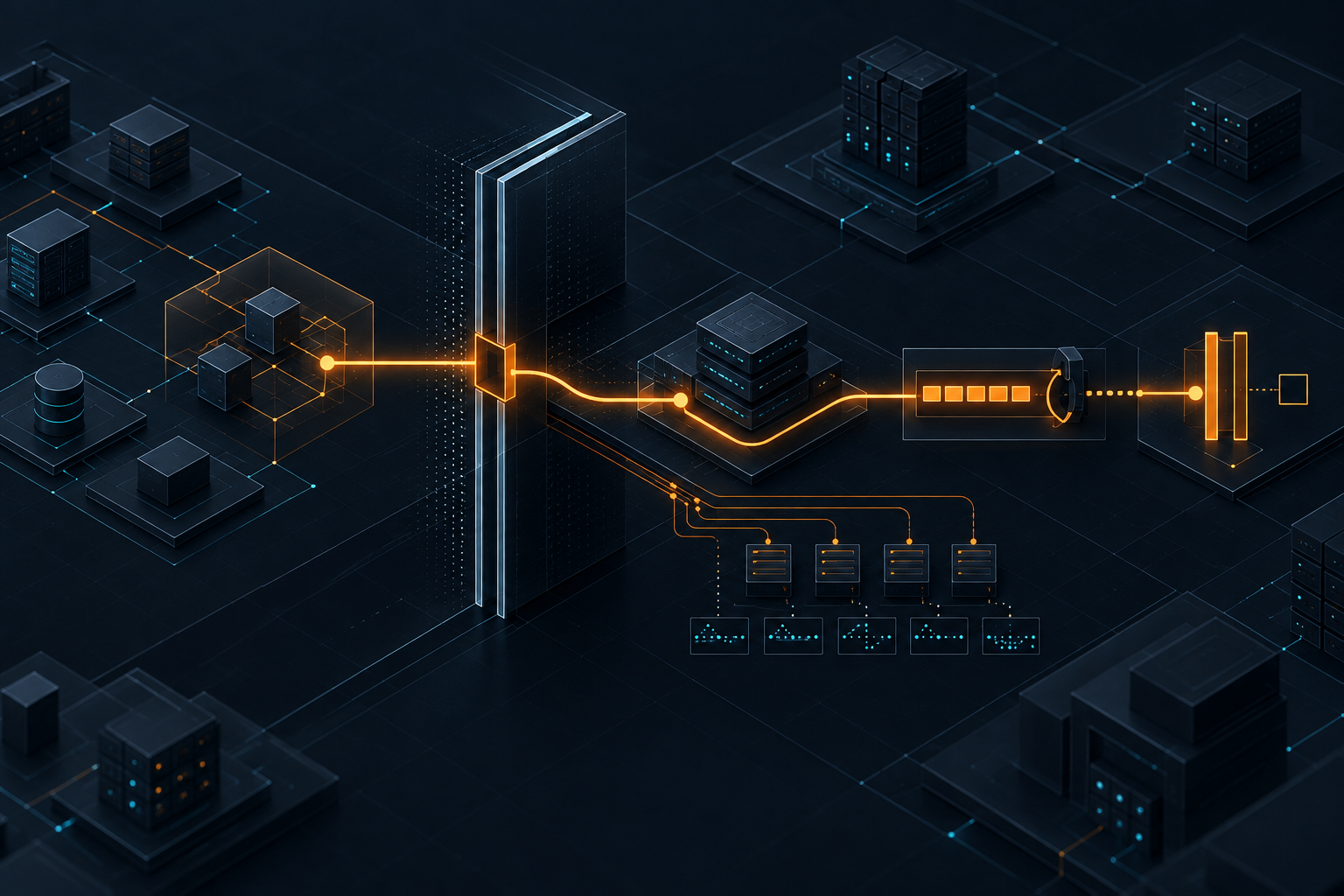
When coding agents enter the delivery pipeline
AI coding agents become strategically interesting when they touch CI, pull requests, reviews and deployments. That is exactly when teams need clear operating rules.
Kyluke McDougall
Software Architect & Founder
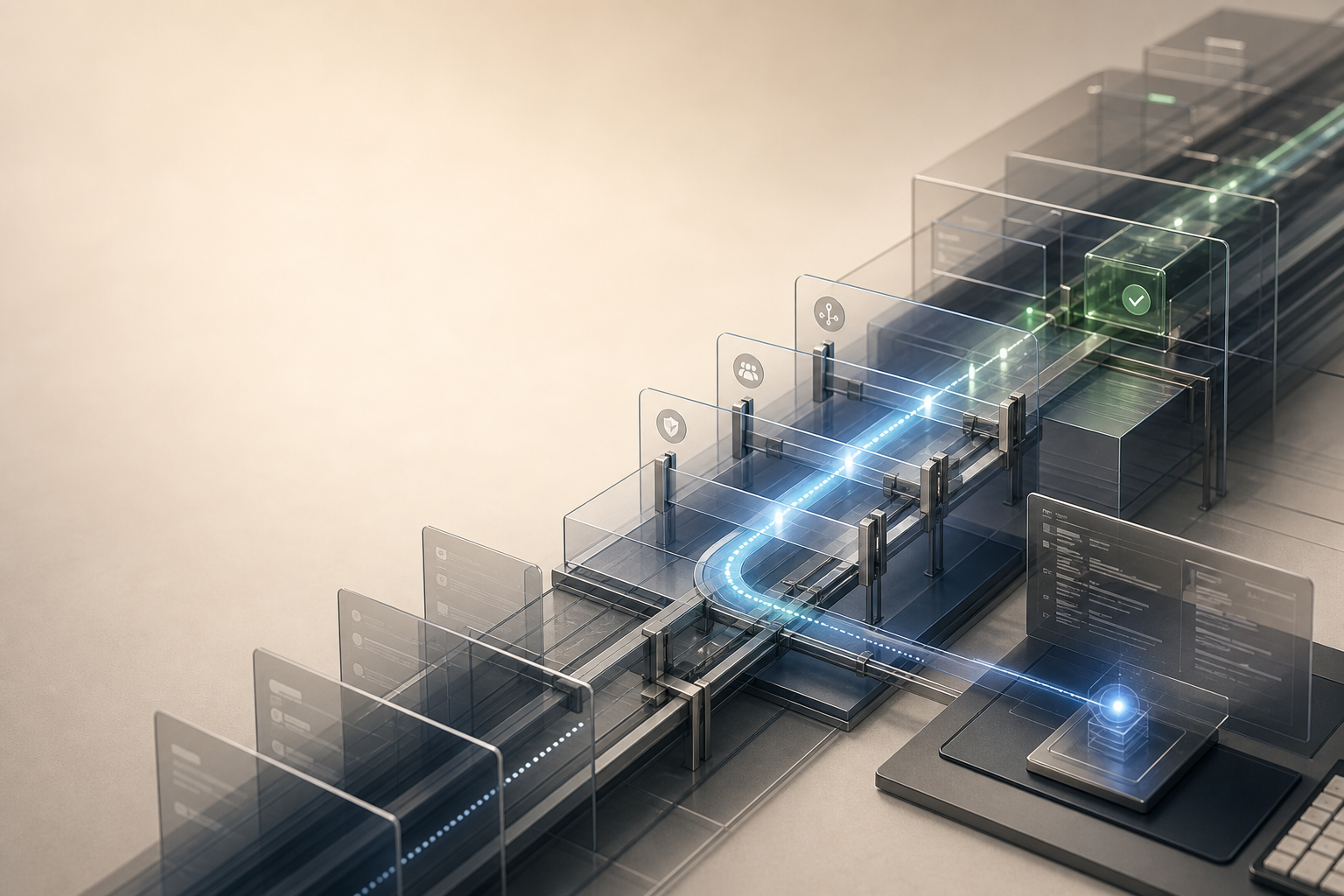
Coding agents are leaving the editor.
That is the important shift.
The first wave was easy to understand: a developer opens Cursor, Claude Code, Codex or a similar tool and asks it to explain code, write tests or build a component. That was already useful. But it still lived inside a familiar frame. A human sat in the editor, looked at the diff, decided what to keep and remained responsible for the result.
Now the conversation is moving.
On X, there is fresh discussion about coding agents appearing not only in editors, but in CI pipelines, pull request reviews, deploy checks, internal tools and maintenance jobs. Agents read failed logs, suggest fixes, open pull requests, review code in the background or help process repetitive maintenance work.
That is more than another productivity feature.
Once an agent becomes part of the delivery pipeline, it becomes part of the operating system of the software organisation.
At that point, “Can this tool write good code?” is no longer enough.
The better question is:
What is the agent actually allowed to do inside our system?
From assistant to actor
An editor assistant is relatively easy to place.
It suggests something. A human decides. If the suggestion is poor, it is discarded. If it is good, it is accepted. The risk is not zero, but it sits inside an existing workflow.
A pipeline agent has a different role.
It can work closer to places where real consequences happen:
- analysing failed builds;
- commenting on pull requests;
- flagging security or lint issues;
- adding tests;
- updating dependencies;
- checking deployment rules;
- preparing infrastructure changes;
- running background tasks without constant interaction.
That can be highly valuable. Many teams lose serious time to repeated delivery problems: broken tests, small dependency updates, forgotten review rules, unclear logs, manual checks and inconsistent pull requests.
A good agent can add speed here.
But speed in this part of the system is not neutral.
If an agent suggests bad code in the editor, you often see it in the diff. If an agent acts incorrectly in the pipeline, it may touch a much wider surface: repositories, secrets, deployments, cloud resources, customer data or production-adjacent configuration.
That is why this matters for founders, CTOs and product owners.
It is not only about developer comfort. It is about control.
The risk is not “AI makes mistakes”
Of course AI systems make mistakes.
That is not the interesting point. Humans also make mistakes. Traditional automation makes mistakes. CI scripts make mistakes. The difference is the shape of the action.
Coding agents can interpret, plan, use tools and translate decisions into small technical actions. That is what makes them useful. It also makes them harder to constrain than a normal script.
A script usually does exactly what it does.
An agent works with intent.
It reads context, forms a hypothesis, calls tools, changes code, reacts to new output and continues to the next action. That creates new questions:
- Which files may it read?
- Which files may it change?
- May it run tests?
- May it install dependencies?
- May it see secrets?
- May it edit infrastructure or Terraform files?
- May it open a pull request by itself?
- May it decide that a green build is sufficient?
- Who can later see what it did and why?
These are not theoretical security questions.
They are normal operating questions.
The mistake many teams will make is introducing coding agents as if they were better autocomplete tools, while slowly giving them operational rights.
The pipeline is a trust system
A modern delivery pipeline is not just technology.
It is a trust system.
It decides how code moves from an idea into a running system. It defines which checks happen before a release, who approves changes, which tests count, how secrets are protected, how rollbacks work and how a team later understands what happened.
If a coding agent works there, it has to fit into that trust system.
Not around it.
This sounds obvious, but it is often missed in practice. Teams try a new tool, give it repository access, connect it to GitHub, allow terminal access and only later realise that nobody defined the agent’s actual role.
Is it a junior developer?
A reviewer?
A build assistant?
A release guard?
A maintenance bot?
An experiment?
The distinction matters because each role needs different rights.
An agent that explains failed tests does not need access to production secrets. An agent that prepares dependency updates should not deploy by itself. An agent that comments on pull requests needs different boundaries from one that edits infrastructure files.
Good architecture here does not mean blocking AI.
It means limiting autonomy deliberately.
What teams should clarify before integration
Before a team connects coding agents to CI, pull requests or deployment processes, it should make a few decisions consciously.
1. Which tasks are suitable for agents?
Not every task deserves autonomy.
Good starting points are tasks with a clear scope, low criticality and an easily checkable result:
- explaining tests;
- summarising lint failures;
- preparing simple dependency updates;
- flagging missing documentation;
- proposing small refactors;
- checking recurring pull request rules.
Poor starting points are tasks with high blast radius:
- production deployments;
- secrets management;
- payment logic;
- authentication;
- data migrations;
- infrastructure changes without review.
The point is not that agents can never touch these areas. The point is that they need stronger controls there.
2. Which rights does the agent receive?
Permissions should not be granted out of convenience.
An agent needs least privilege like any other technical actor. If it only needs to read logs, it gets read access. If it needs to open pull requests, it should not be able to push directly to protected branches. If it runs tests, it does not automatically need access to real production data.
This sounds like standard security.
That is exactly what it is.
The difference is that many teams first introduce AI tools as personal tools. As a result, permissions often emerge informally: local tokens, personal accounts, unclear API keys, shared environment variables and CI workarounds.
For private experiments, that is understandable.
For serious products, it is not enough.
3. Where does the human stay in the loop?
“Human in the loop” has almost become a tired phrase. The question still matters.
Not every step needs human approval. If an agent explains a lint error, an approval loop would be absurd. But if it prepares a migration, blocks a deployment or suggests a security-relevant fix, responsibility must be clear.
In practice:
- agents may make suggestions;
- certain changes require review;
- certain areas require senior approval;
- production-adjacent actions require traceable approval;
- the agent should not be its own reviewer.
A useful pattern is to separate analysis, change and approval.
An agent can analyse. An agent can prepare a patch. Approval follows a different path.
4. What gets logged?
If an agent performs a meaningful action, the team should be able to reconstruct it later.
Not as surveillance theatre, but as operational hygiene.
A team should be able to answer:
- Which agent handled which task?
- Which tools were used?
- Which files changed?
- Which tests ran?
- Which assumptions were present in the prompt or project instructions?
- Who approved the change?
- How is it rolled back?
Without an audit trail, a coding agent becomes a black box inside the delivery process.
That is exactly what good CI/CD is supposed to avoid.
5. What may the agent remember?
Much of the current discussion is about persistent agent memory: project files, repository rules, AGENTS.md, CLAUDE.md, skills, hooks, shared Markdown stores and other forms of durable context.
That is useful. Without context, agents repeat mistakes, ignore architecture decisions or burn tokens rediscovering the same facts.
But memory is also a system design issue.
An agent should know which test commands matter, which architecture decisions have been made and which files are off limits. It should not automatically pull sensitive customer data, private credentials or uncurated chat history into its working context.
Good agent memory is not “store everything”.
It is maintained, bounded and reviewable working instruction.
Why this matters especially in the German market
For many German companies, the situation is contradictory.
On one hand, pressure to use AI productively is high. Teams are expected to deliver faster, business departments want more automation, competitors are experimenting and budgets remain constrained.
On the other hand, the operating environment is stricter than many startup narratives suggest:
- data protection;
- customer contracts;
- works council or internal participation requirements;
- information security;
- ISO or industry-specific expectations;
- EU AI Act readiness;
- traceable supply chains;
- long-term maintainability.
This is not an argument against coding agents.
It is an argument against naive adoption.
A Mittelstand company does not necessarily need the most spectacular agent demo. It needs a way of working that can be explained to management, customers, IT security, data protection and the development team itself.
If an agent prepares pull requests, that does not have to be a problem.
If nobody can say which data it read, why it made a change and who reviewed it, it becomes one.
A pragmatic adoption model
Teams do not need perfect agent governance before trying anything.
But they should start small on purpose.
A sensible model looks like this:
Phase 1: Read and explain only
The agent may read logs, tests and pull requests. It summarises failures, explains build problems and suggests next steps.
No write access. No secrets. No deployment.
This reduces risk and quickly shows whether the tool is useful in the team’s own context.
Phase 2: Prepare patches
The agent may prepare changes in an isolated branch. It can add tests, suggest small fixes or update documentation.
Pull requests are reviewed normally. Protected branches stay protected. Critical paths are excluded or require additional approval.
Phase 3: Recurring maintenance
The agent takes on clearly bounded tasks: dependency updates, small refactors, test stabilisation, static analysis and documentation upkeep.
At this stage, audit logs, cost limits, review rules and rollback paths become more important.
Phase 4: Production-adjacent assistance
Only then should an agent work closer to deployments, infrastructure or operational decisions.
Even then, it should usually act as an assistant with approval requirements, not as an autonomous release manager.
This sequence is less exciting than a demo where the agent does everything by itself.
It is much closer to what serious software teams actually need.
What matters to McDougall Digital
At McDougall Digital, we do not treat coding agents as a replacement for software architecture.
We treat them as new actors inside a system.
That changes the work, but it does not remove responsibility. If anything, the more an agent can do, the more important system boundaries, review paths, tests, secrets, logs and operational decisions become.
For clients, this is often the decisive point.
The question is not whether to use AI. In many cases, the answer is yes.
The question is where AI sits inside the delivery system.
An agent in the wrong place with too many rights can amplify risk. An agent in the right place with clear guardrails can speed up development without making the product harder to control.
How teams know they are ready
A team is not ready because a tool looks impressive.
A team is ready when it can answer these questions:
- Which agent role are we introducing?
- Which repositories and paths are in scope?
- Which actions are allowed?
- Which actions are prohibited?
- Which changes require review?
- Which secrets remain unreachable?
- Which tests and checks are mandatory?
- Where is activity logged?
- Who is responsible if something goes wrong?
- How do we roll back?
If those answers are missing, the next task is not “more agent”.
The next task is architecture work.
The core message
Coding agents become more valuable as they move closer to real software delivery.
That is exactly why teams need to take them more seriously.
An agent that only suggests code is a tool. An agent that works in CI, pull requests, reviews, deployments or maintenance jobs is part of the operating system.
That can be a major advantage.
But only if the system is designed for it.
McDougall Digital helps teams make that transition pragmatically: clear repository rules, sensible agent roles, protected CI/CD processes, review gates, secret boundaries, audit trails and an adoption sequence that creates speed without losing control.
The best starting point is rarely the grand autonomous pipeline.
The best starting point is a clearly bounded agent whose work is visible, reviewable and reversible.
This article was created with the help of AI. McDougall Digital is responsible for its content.