AI Coding Agents Need Guardrails, Not Blind Approval
AI agents can accelerate software delivery. In production workflows, they also need scoped permissions, reviews, tests, logs, and operating rules.
Kyluke McDougall
Software Architect & Founder
AI coding agents are moving from experiment to working tool.
They no longer just suggest isolated functions. They read repositories, open pull requests, update tests, refactor modules, connect APIs, edit infrastructure files and, depending on the setup, can even trigger deployments.
That is a major shift.
For product teams, founders and CTOs it means that part of implementation becomes faster, cheaper and more parallel. Work that used to sit in the backlog can suddenly be completed. Technical debt can become easier to inspect. Internal tools, integrations and product ideas can be explored with less friction.
But a second theme is becoming very visible in current discussions around AI development tools: the closer coding agents get to production systems, the less it makes sense to simply give them more context and more permission.
An agent with too much freedom is not a senior engineer. It is a very fast executor without real responsibility.
That is why production-grade AI coding workflows do not primarily need more magic. They need a boringly good system of guardrails.
The new risk: agents act, not just answer
With traditional AI assistants, the risk was often limited. A chatbot could suggest bad code, but a developer still had to copy it, adapt it and commit it. There was a human step between suggestion and effect.
Agentic development tools shorten that distance.
A modern coding agent can:
- change files in a repository;
- run terminal commands;
- install dependencies;
- generate migration scripts;
- run or skip tests;
- create pull requests;
- modify configuration files;
- touch secrets or environment variables;
- trigger cloud or deployment workflows.
That is exactly why these tools are useful. They can actually do work, not merely describe it.
But it changes the question.
The issue is no longer only whether the generated code is good. The issue is also which actions an agent may perform, which information it may access, and how the team notices when something goes wrong.
For a company, this is not an academic concern. It affects data protection, availability, customer trust, auditability and maintainability.
More productivity also scales bad process
Many teams start with AI coding agents in a simple way: give the tool repository access and ask it to implement a ticket.
For small changes, this can work well.
The problem starts when the same mode quietly expands into larger work: new features, data models, integrations, permissions, migration logic or production-adjacent automation.
That is when familiar weaknesses appear:
- the agent optimises locally instead of understanding the system architecture;
- it fixes symptoms without finding the underlying cause;
- it writes tests that confirm its implementation but do not protect the business behaviour;
- it adds dependencies without evaluating long-term maintenance;
- it changes configuration without understanding operational consequences;
- it treats existing patterns as correct, even when they are historical accidents.
This does not mean AI is useless. It means AI scales into the working system you already have.
If a team has clean architecture, clear review processes and useful tests, an agent can make use of that structure. If the structure is missing, the agent makes the system more complicated faster.
Speed is not a substitute for engineering discipline. It makes discipline more important.
What production guardrails actually mean
Guardrails are not just prompts.
A good system prompt can help. Repository instructions can help. Coding standards can help. But production usage needs more than text that a model will hopefully follow.
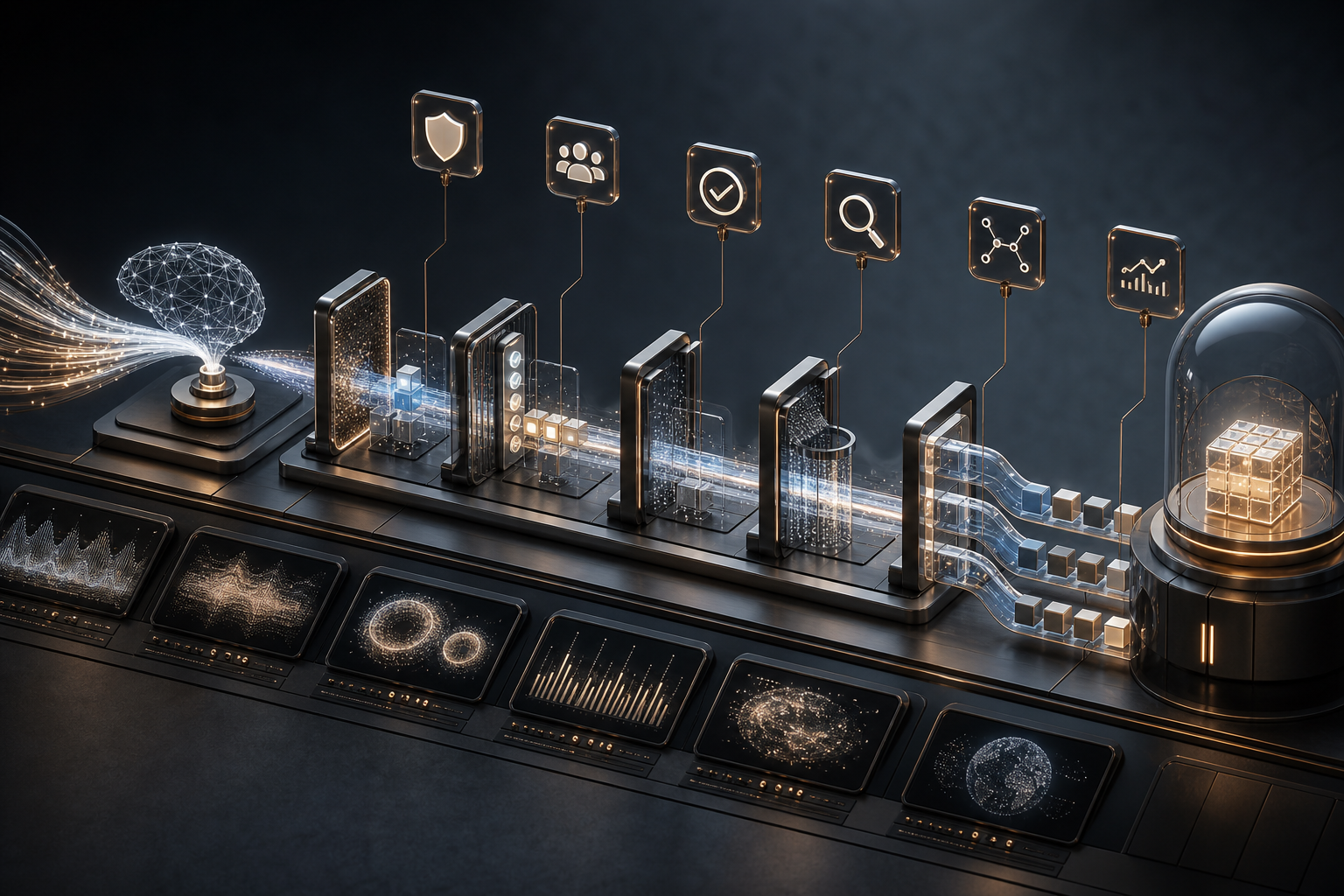
Guardrails should live in the workflow, permissions and architecture.
1. Permissions by task, not convenience
An agent should not be allowed to do everything by default.
For many tasks, read access plus changes in a branch are enough. Production data, secrets, deployment credentials and irreversible commands should not be part of the standard mode.
In practical terms, this means:
- separate roles for reading, writing, testing and deployment;
- no production database credentials in the agent context;
- temporary, tightly scoped tokens;
- no automatic infrastructure changes without review;
- clear blocks for destructive commands;
- reversible actions preferred over direct intervention.
This can sound slow. In reality, it is faster because it creates trust. Teams use agents more regularly when they know a mistake cannot immediately damage production.
2. Pull requests remain the control surface
For serious software, the pull request should remain the key boundary.
An agent may prepare work. It may add tests. It may update documentation. It may even suggest several implementation options.
But integration into the product should still go through a reviewable process:
- small, understandable pull requests;
- a clear description of the change;
- automated tests and linting;
- review by a responsible person;
- a clear rollback path;
- no unnecessary mixing of feature work, refactoring and infrastructure changes.
AI can make the pull request better. It should not bypass it.
This matters especially for mid-sized business teams and smaller product organisations. They often do not have ten separate specialists for security, DevOps and architecture. The process therefore has to make risk visible early, not after deployment.
3. Tests must protect behaviour, not just reassure the code
AI agents can write tests quickly. That is useful, but dangerous if the team confuses tests with assurance.
An agent can easily write tests that confirm its own implementation. Those tests increase coverage, but not necessarily confidence.
Better questions are:
- Which business behaviour must not change?
- Which failure modes are realistic?
- Which permissions must be enforced strictly?
- Which data states actually occur in production?
- Which integrations need simulation or contract testing?
Tests are not only a quality ritual. They are a contract about system behaviour.
When McDougall Digital sets up or reviews AI-assisted development workflows, this distinction is central: AI can accelerate test writing, but the relevant risks must come from product, architecture and operations.
4. Logs and decision trails are part of the architecture
A human developer can explain why a decision was made. An agent can generate an explanation, but that is not the same as responsibility.
That is why a production workflow needs good traceability:
- Which files changed?
- Which commands ran?
- Which tests actually executed?
- Which assumptions were made?
- Which external systems were touched?
- Which prompt or task description led to the change?
This information should not disappear inside a chat window. It belongs in pull requests, build logs, tickets or technical notes.
The goal is not bureaucracy. The goal is decidability.
If a bug appears three months later, the team needs to understand why a change exists and how it can be reverted or improved.
The common mistake: human-in-the-loop fixes everything
Many risks are softened with the phrase: “A human still looks at it in the end.”
That is good, but not enough.
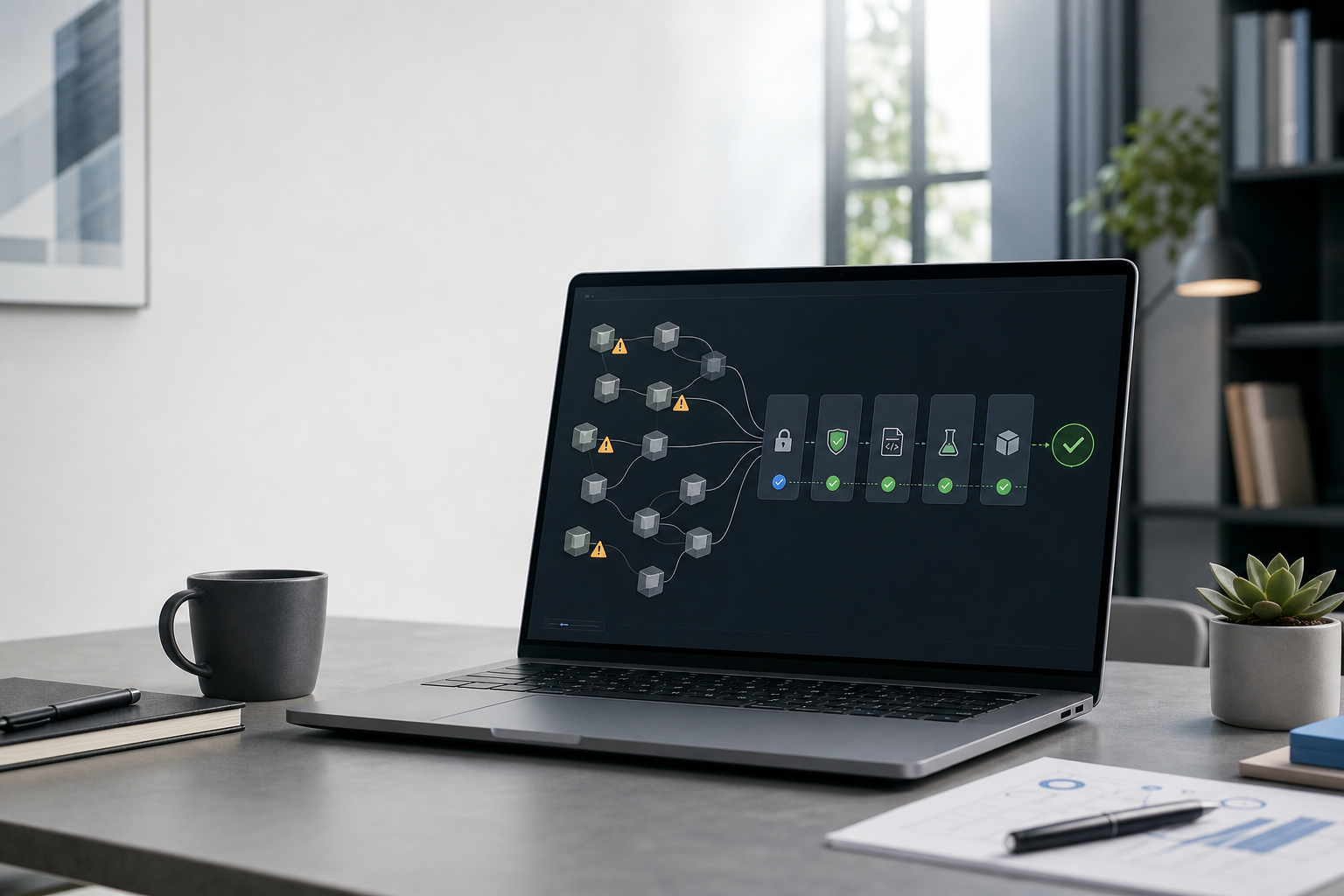
A human can only review what they can see and understand. If an agent changes 30 files in a large diff, adds dependencies, modifies configuration and writes its own tests, review quickly becomes superficial.
Human-in-the-loop becomes human-near-the-loop.
A better system makes human review realistic:
- small tasks;
- clear acceptance criteria;
- limited categories of change;
- separate pull requests for refactoring and feature work;
- automated checks before review;
- security and dependency scans;
- understandable summaries;
- explicit escalation for risky areas.
Humans should not need to distrust and redo every line. They should be able to make the important decisions at the right points.
What this means for founders and product teams
For non-technical or mixed technical teams, it is tempting to work AI-first and add governance later.
That can be reasonable for prototypes. It is risky for production software.
Especially when:
- customer data is processed;
- payments, contracts or operational workflows are involved;
- multiple user roles exist;
- external APIs are business-critical;
- the system will later be handed over to an internal team;
- regulatory or data protection requirements matter.
In these cases, the agent workflow should be treated as part of the software architecture from the beginning.
Not only: “Which tool should we use?”
But:
- Which tasks may AI perform autonomously?
- Which changes always need review?
- Which data may the tool see?
- Which tests define product-relevant confidence?
- How do we document decisions?
- How do we roll back a bad change?
- Who is ultimately responsible?
These questions are uncomfortable, but they prevent later surprises.
A pragmatic model for production AI development
A sensible start does not have to be complicated.
For many teams, a simple four-stage model is enough.
Stage 1: Assistance
AI helps with understanding, explanation, search and small snippets. No autonomous changes to production-adjacent systems. Low risk, high learning value.
Stage 2: Branch work
Agents may work in isolated branches, run tests and prepare pull requests. No secrets, no production data, no deployment. The pull request is the control surface.
Stage 3: Controlled automation
Recurring work becomes more automated: test additions, documentation, small refactorings, internal tooling improvements. Roles, logs, scans and review rules are established.
Stage 4: Production-adjacent agents
Agents may perform tightly scoped production-adjacent tasks, such as diagnostics, prepared rollbacks or infrastructure suggestions. This requires strict permissions, audit trails, observability and human approval for risky actions.
Most companies should not start at stage 4.
The right starting point is where value appears without pretending that trust already exists.
Why “boring” is a compliment here
The best production AI workflows will not look spectacular.
They will look more like this:
- tickets are clearer;
- pull requests are smaller;
- tests run reliably;
- permissions are limited;
- deployments are traceable;
- logs answer questions;
- humans decide at the important points.
That is less exciting than a demo video where an agent builds an app in five minutes.
But this boring quality decides whether AI helps a company over time.
Software that customers use does not only need fast creation. It needs maintainability, security, operations and responsibility.
How McDougall Digital can help
McDougall Digital helps teams make AI-assisted development useful in production without losing control over architecture and operations.
In practical terms, that can mean:
- reviewing existing AI coding workflows for risk;
- defining sensible agent boundaries, roles and review processes;
- structuring repositories for AI-assisted work;
- improving tests, CI/CD, security scans and rollback paths;
- turning prototypes into maintainable product software;
- building internal tools and SaaS products so AI adds speed without sacrificing quality.
The point is not to keep AI out of software development.
The point is to use it so that speed does not work against responsibility.
AI coding agents can become a real productivity lever. But serious products still need what good software has always needed: clear boundaries, good architecture and people who take responsibility.