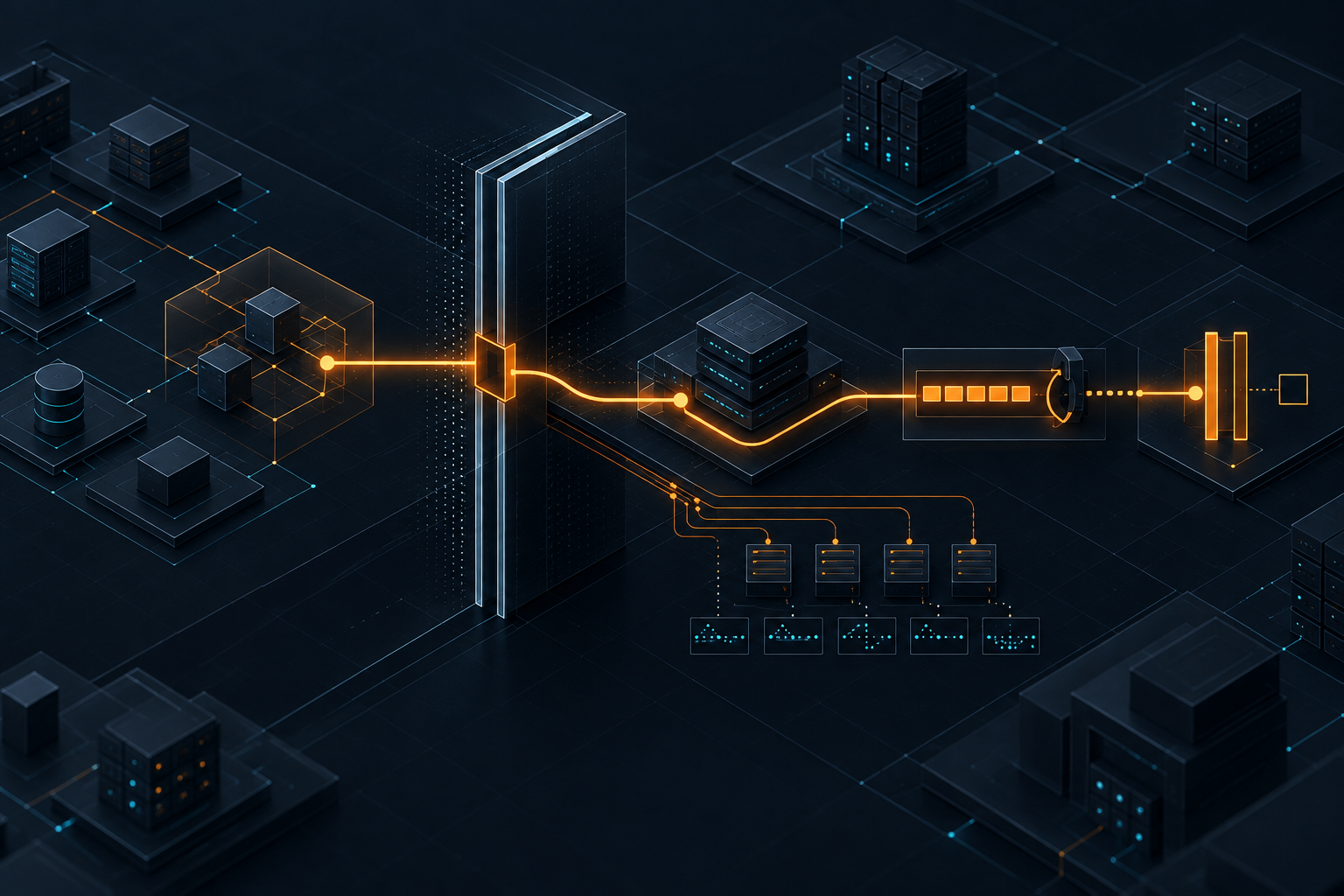
The Harness Around Your AI Coding Agent Is the Product
AI coding agents are becoming powerful enough to touch real delivery workflows. The useful question is no longer only which tool to choose, but what architecture governs it.
Kyluke McDougall
Software Architect & Founder
AI coding agents are entering a more serious phase.
The early conversation was about output: which tool writes better React components, which model fixes bugs faster, which editor feels closest to magic. That question still matters, but it is no longer the most useful one for serious teams.
The better question is: what surrounds the agent?
Over the last day, X discussion around Claude Code, Cursor, agentic software development and production readiness has moved strongly in that direction. Security researchers are sharing fresh Claude Code vulnerability findings and exploit write-ups. CTOs and founders are talking about agent permission incidents, production database damage, least privilege and audit trails. AI researchers and practitioners are discussing Claude Code’s system design and pointing out that the value is not only in the model, but in the harness around it: permissions, tools, context management, memory, failure handling and recovery.
That is the part worth paying attention to.
For founders, CTOs, product owners and Mittelstand teams, the future of AI-supported software development will not be decided by prompt enthusiasm alone. It will be decided by whether the team can turn AI coding into a controlled delivery system.
A powerful agent without a harness is a fast intern with shell access.
A powerful agent inside a well-designed harness can become a real engineering advantage.
The model is not the system
It is tempting to talk about AI coding tools as if the model is the product.
Claude, GPT, Gemini and other models are visible. They are easy to compare. Benchmarks, demos and leaderboard arguments fit nicely into social media. When a tool feels impressive, it is natural to credit the model.
But real software delivery is not just text generation.
A coding agent has to decide what context matters. It has to read files without drowning in them. It has to run commands safely. It has to understand test output. It has to call tools. It has to recover when a change fails. It has to avoid touching the wrong files. It has to know when a task is too risky. It has to respect boundaries between a local sandbox, a shared repository and production-adjacent systems.
That surrounding system is the harness.
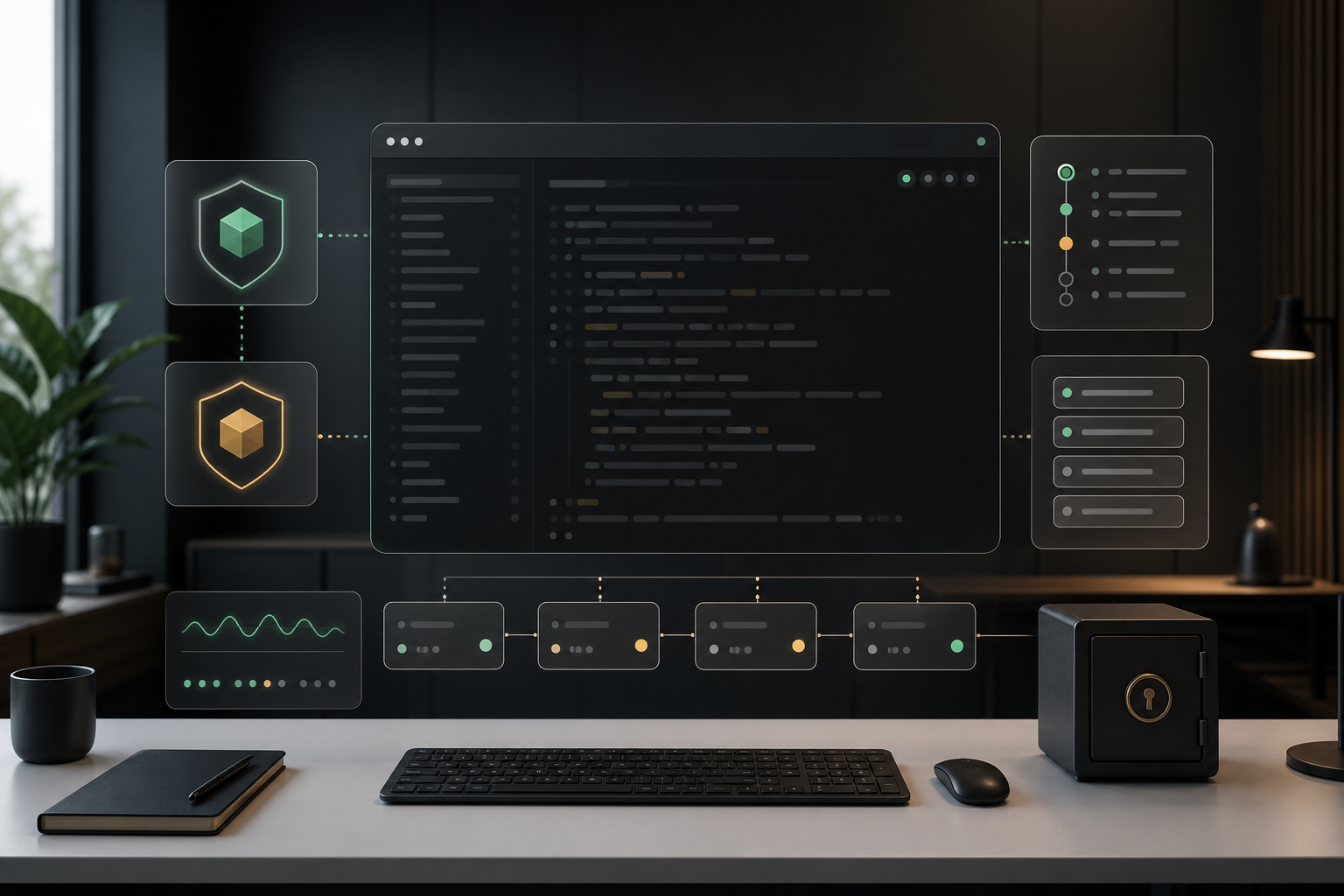
The harness is the combination of permissions, identity, rules, tool interfaces, context selection, memory, approval gates, tests, logging and rollback paths that make the agent useful without making it reckless.
This is why the current Claude Code conversation is interesting. The technical details matter, but the larger lesson is broader than one tool. As agents gain access to files, terminals, package managers, issue trackers, logs, databases, cloud APIs and deployment workflows, the product is no longer just the chat loop.
The product is the whole operating model.
Speed changes the failure mode
AI coding changes software development partly because it increases speed.
That sounds obvious, but the operational consequence is easy to underestimate. When a human developer makes a risky change manually, the slowness of the work creates some natural friction. They see the files. They type commands one by one. They wait. They notice oddities. They may hesitate before doing something destructive.
An agent can compress that work into seconds.
That is useful when the task is safe and well-scoped. It is dangerous when the agent has broad credentials, vague instructions or unclear authority. A mistaken assumption can quickly become a migration, a package change, a deleted file, a rewritten configuration or a production-adjacent action.
This is why recent X discussion about permission overreach and agent security incidents is not just security theatre. It points to a real management problem. If an AI coding agent can act faster than the team can understand its action, then the team needs better boundaries before it gives the agent more authority.
The answer is not to avoid AI coding. That would miss the point.
The answer is to design the work surface.
For a serious product, the agent should know where it may operate, what it may read, what it may change, which tools it may call, which actions require approval, which credentials are unavailable by design and which evidence should be treated as untrusted.
That design work is architecture.
Every agent needs a blast-radius model
One of the most practical questions a team can ask is simple:
What is the worst plausible thing this agent can do from here?
The answer should be different for different workflows.
An agent that formats a changelog should have a tiny blast radius. An agent that refactors a frontend component has a larger one. An agent that edits database migrations, deployment scripts or authentication code has a much larger one. An agent that can access logs, cloud tools, customer data or production credentials is in another category entirely.
Many teams blur these categories because the interface looks the same. It is all “AI coding.” It is all a chat box or editor sidebar. But the risk is not in the visual interface. The risk is in the authority behind it.
A useful blast-radius model includes:
- which repositories the agent can read and write;
- which commands it may run automatically;
- which package managers it may use;
- which environment variables and secrets are reachable;
- which external tools, MCP servers or APIs it can call;
- whether it can create branches, commits or pull requests;
- whether it can touch migrations, infrastructure, CI or deployment files;
- whether it can read production logs or customer data;
- what happens when it misunderstands a task.
This does not need to become an enterprise bureaucracy. A small product team can write a one-page policy and still be far ahead of most ad hoc setups.
The point is to make authority visible.
At McDougall Digital, this is often where AI adoption becomes much more useful for clients. The question changes from “which tool should we buy?” to “which parts of our delivery system are safe to accelerate, and what structure do we need around the rest?”
That is a better conversation.
Treat context as evidence, not instruction
Coding agents become more valuable when they can read more of the surrounding work: tickets, pull requests, CI output, logs, monitoring alerts, customer reports and documentation.
They also become more exposed.
The problem is that not every piece of context deserves the same trust. A log line may be useful evidence, but it should not be able to instruct the agent. A customer report may describe a bug, but it should not define the fix. A CI failure may point to the broken test, but it should not override team policy. A public issue may contain reproduction steps, but it should not gain authority over your codebase.
This distinction is becoming central to agentic development.
Useful agent architecture separates evidence from authority. It lets the agent inspect untrusted material, but it does not let that material silently become policy. It asks the agent to cite where a conclusion came from. It constrains tool calls. It requires approval before destructive actions. It treats external output as input to reasoning, not as a command stream.
That is especially relevant for teams connecting agents to observability and operations systems.
Logs and error reports can contain user-controlled text. Tickets can contain copied output from unknown sources. Pull request comments can include speculative instructions. Documentation can be stale. If the agent has been trained by the workflow to “follow what the tool says,” the harness is weak.
A stronger workflow says:
Read the tool output. Summarize it. Identify the source. Decide whether it is trusted. Propose the next step. Ask before acting when the action has a meaningful blast radius.
That extra step is not wasted time. It is the control surface that makes automation usable.
Governance should be built into the workflow
The current agent governance discussion is useful because it is starting to sound less abstract.
Good governance for AI coding is not a PDF that nobody reads. It is the shape of the workflow itself.
For example:
- Agents use scoped credentials, not broad personal tokens.
- Risky commands require confirmation.
- Tool calls are logged.
- Agent-authored changes go through pull requests.
- Tests and static checks run before review.
- Migrations and deployment files receive extra scrutiny.
- Production secrets are not available in normal coding environments.
- Context from external systems is marked by source and trust level.
- The team can explain which agents, skills, rules and tools are approved.
These are not exotic controls. They are normal software engineering controls adapted to a faster actor.
The mistake is to treat AI coding as an exception to engineering discipline because the interface feels conversational. If anything, the opposite is true. The faster and more autonomous the actor becomes, the more explicit the surrounding system needs to be.
That is also where many vendor demos stop too early.
A demo can show an agent building a feature. It rarely shows credential design, audit logs, rollback, code ownership, test selection, observability, security review, incident handling or long-term maintainability. But those are exactly the things that decide whether a tool helps a serious product or creates future clean-up work.
The gap between demo and production is the harness.
The founder decision is not “AI or no AI”
For many founders and product owners, the AI coding decision can feel binary.
Either embrace the tools and move faster, or remain conservative and fall behind.
That framing is too crude.
The practical decision is more specific: where should AI speed enter the delivery process, and under which constraints?
Some areas are obvious candidates. Test generation, documentation drafts, small refactors, repetitive UI work, bug investigation, internal tooling and codebase exploration can often benefit quickly. Other areas deserve tighter gates: authentication, authorization, billing, data deletion, migrations, infrastructure, security-sensitive integrations and production operations.
The team does not need one rule for everything.
It needs a map.
That map should show which agent workflows are encouraged, which are experimental, which require review, which are prohibited and which need a better environment before they are safe. It should also explain who owns the agent setup. If nobody owns the harness, the harness will be assembled accidentally from personal preferences, copied configs and whatever was trending last week.
That is not a strategy.
It is drift.
What a useful AI coding harness includes
A practical harness for AI-supported development does not have to be heavy. It does have to be intentional.
For a serious team, the useful starting point is:
- an inventory of AI coding tools, project rules, skills, MCP servers and local automations;
- a permission model for what agents may read, edit and execute;
- separate environments for experimentation, normal development and production-adjacent work;
- scoped credentials and clear secret boundaries;
- source and trust labels for external context such as logs, tickets and tool output;
- approval gates for destructive actions, dependency changes, migrations and deployment logic;
- automatic tests, linting and security checks before human review;
- pull request workflows that make agent-authored changes visible;
- audit trails for tool calls and important decisions;
- a rollback path when the agent makes a bad change;
- an owner who keeps the setup current.
The important thing is not to copy this list blindly. The important thing is to match the harness to the product’s risk.
A prototype does not need the same constraints as a regulated customer portal. A marketing microsite does not need the same controls as an internal finance tool. A local sandbox does not need the same permissions as a developer machine with cloud access.
Good architecture respects those differences.
Controlled speed is the advantage
The shallow promise of AI coding is that software gets cheaper because the agent types quickly.
The stronger promise is different.
Software delivery gets better because the team becomes clearer about the work. Tasks are smaller. Context is explicit. Tests are easier to run. Repetition is automated. Permissions are scoped. Review gates are sharper. Operational risk is visible. The agent is not a mysterious extra developer; it is part of a designed delivery system.
That is where AI-supported software development can actually move the needle.
McDougall Digital’s role in this kind of work is not to chase every new AI coding tool for its own sake. It is to help teams turn useful tools into maintainable delivery capability: architecture first, product judgement intact, operational risk understood, and AI speed applied where it helps rather than where it merely looks impressive.
If your team is already experimenting with Claude Code, Cursor, Lovable, Replit, Devin or internal agents, the next useful question is not just “which one is best?”
Ask this instead:
What harness have we built around it?
If the answer is clear, AI coding can become a controlled advantage.
If the answer is vague, the next step is not another tool trial.
It is architecture.
This article was created with the help of AI. McDougall Digital is responsible for its content.