AI-built internal tools are becoming shadow IT
AI makes internal tools faster to create. Without ownership, access control, review, and maintenance, those useful tools can quietly become unmanaged production systems.
Kyluke McDougall
Software Architect & Founder

AI has made it much easier to build small internal tools.
That is genuinely useful. A team can create a dashboard, admin panel, data cleanup helper, approval workflow, reporting view, CRM utility, document summarizer, or support triage tool in days instead of months. Sometimes in hours.
For founders, operators, and product teams, that speed is attractive because internal tooling is where many companies quietly lose time. People copy data between systems. Reports are prepared manually. Support teams repeat the same checks. Operations teams live inside spreadsheets that should have become software years ago.
AI-supported development can help with that.
But the current discussion around vibe-coded apps and AI-generated software is also exposing the other side: missing authentication, exposed keys, weak permissions, vulnerable dependencies, no rate limits, no audit trail, no owner, and no clear path from prototype to production.
The problem is not that teams are building internal tools with AI.
The problem is that useful internal tools can become production systems before anyone has treated them like production systems.
That is shadow IT with a faster creation loop.
The tool starts small
Most shadow IT does not begin as a reckless decision.
It begins with a real business problem.
Someone needs a better way to check customer records. Someone needs to reconcile invoices. Someone wants to summarize support messages. Someone needs a dashboard that the main product does not provide. Someone is tired of manually exporting a CSV every Friday.
Before AI, the workaround might have been a spreadsheet, a no-code tool, a shared script, or a private SaaS account. Now it can be a small web app generated with an AI coding tool.
At first, that can be a good thing. The team learns faster. The process improves. People stop waiting for the main product roadmap to solve every operational pain.
Then the tool gets used again.
And again.
Someone adds a real customer data export. Someone connects it to a database. Someone adds a login screen. Someone shares the URL with another team. Someone relies on it for a monthly report. Someone builds a second workflow on top of the first.
At that point, the tool is no longer just an experiment.
It is part of the business process.
Internal does not mean low risk
Internal tools often feel safer than customer-facing products because they are not public.
That is only partly true.
Internal tools frequently touch the most sensitive parts of a company: customer data, billing records, operational logs, employee information, support messages, contracts, analytics, and administrative actions. A public marketing page may have lower risk than a private admin tool that can export customer records or update account status.
The common failure modes are practical:
- a tool uses a shared admin credential instead of a dedicated service identity;
- an API route checks whether a user is logged in but not whether they may access that record;
- a database query has no tenant boundary;
- an environment file is copied into a repository;
- a generated dependency brings known vulnerabilities;
- a button performs a real action without confirmation, logging, or rollback;
- nobody knows who should fix the tool when it breaks.
These are not exotic AI failures. They are ordinary software failures, produced faster and with less friction.
That is why AI-built internal tools need a path into governance. Not a heavy committee. A practical path.
Treat internal tools as an asset class
The first step is simply to name the category.
An AI-built internal tool is not “just a script” once people rely on it. It is an operational asset. It deserves a lightweight version of the same thinking that applies to other business software.
That starts with an inventory.
For each tool, a company should know:
- what business process it supports;
- who owns it;
- who uses it;
- which data it reads;
- which systems it can change;
- which credentials it uses;
- where it is hosted;
- how access is granted and removed;
- what gets logged;
- how it is tested;
- what happens if it fails;
- whether it should be kept, rebuilt, merged into a core system, or retired.
This does not need to be complicated. A simple internal register is already better than discovering important tools by accident during an incident.
The point is visibility. You cannot secure, maintain, or improve software the company does not know exists.
The production checklist should be lightweight
The wrong answer is to bury every small tool under enterprise process.
That will only push teams back into private workarounds.
The better answer is a clear, lightweight production checklist. If a tool will touch real company data, support a recurring process, or be used by more than one person, it should pass a few basic checks before it becomes part of daily work.
Start with ownership. Every tool needs a named business owner and a technical owner. The business owner knows why the tool exists. The technical owner knows how it works, where it runs, and how to change it safely.
Then define the data boundary. What is the source of truth? Does the tool read customer data, employee data, financial data, contracts, logs, or credentials? Is any data exported or copied? Does the tool need all of that data, or only a smaller slice?
Next, design access. Internal tools should use existing identity where possible. They should not rely on shared passwords, hidden admin accounts, or broad personal tokens. Read access and write access should be separated. Admin actions should be limited to people who actually need them.
Then add evidence. Logs do not need to capture everything, but important actions should be reconstructable. Who used the tool? What did it change? Which source data did it use? Was approval required? Did anything fail?
Finally, decide how the tool will be maintained. What tests exist? How are dependencies updated? Where is the documentation? Who reviews changes? What is the retirement plan if the tool stops being useful?
This is not bureaucracy. It is what lets useful tools stay useful.
AI changes the review model
AI-generated code can look complete before it is production-ready.
That makes review more important, not less. The reviewer should not only ask whether the interface works. They should ask whether the tool fits the company.
Good review questions include:
- Does the tool use the right source of truth?
- Are permissions enforced in the application, not just suggested in the prompt?
- Are secrets stored outside the codebase?
- Is tenant or customer separation explicit?
- Are risky actions confirmed, logged, and reversible?
- Are failures visible to a human?
- Are dependencies acceptable and maintained?
- Can another developer understand the code next month?
- Does the tool duplicate a process that should belong in an existing system?
This is where many AI adoption conversations get too narrow. The issue is not whether the AI tool can generate a working app. It often can.
The issue is whether the generated app deserves to live inside the business.
Compliance follows architecture
For European companies, the compliance angle is not abstract.
Internal tools often create the evidence trail that later matters for customers, auditors, tax advisors, security reviews, and management. If a tool supports finance, customer operations, HR, or regulated workflows, the company may need to explain who did what, when, with which data, and under which approval.
That is difficult if the tool was built quickly, hosted somewhere temporary, connected with a personal token, and never documented.
The practical lesson is simple: do not wait until audit season to ask whether an internal tool leaves evidence.
Logging, access control, data boundaries, and retention are architecture choices. If they are designed early, they are manageable. If they are added later, they are expensive and incomplete.
A good internal-tool path preserves speed
The goal is not to slow teams down.
The goal is to make speed reusable.
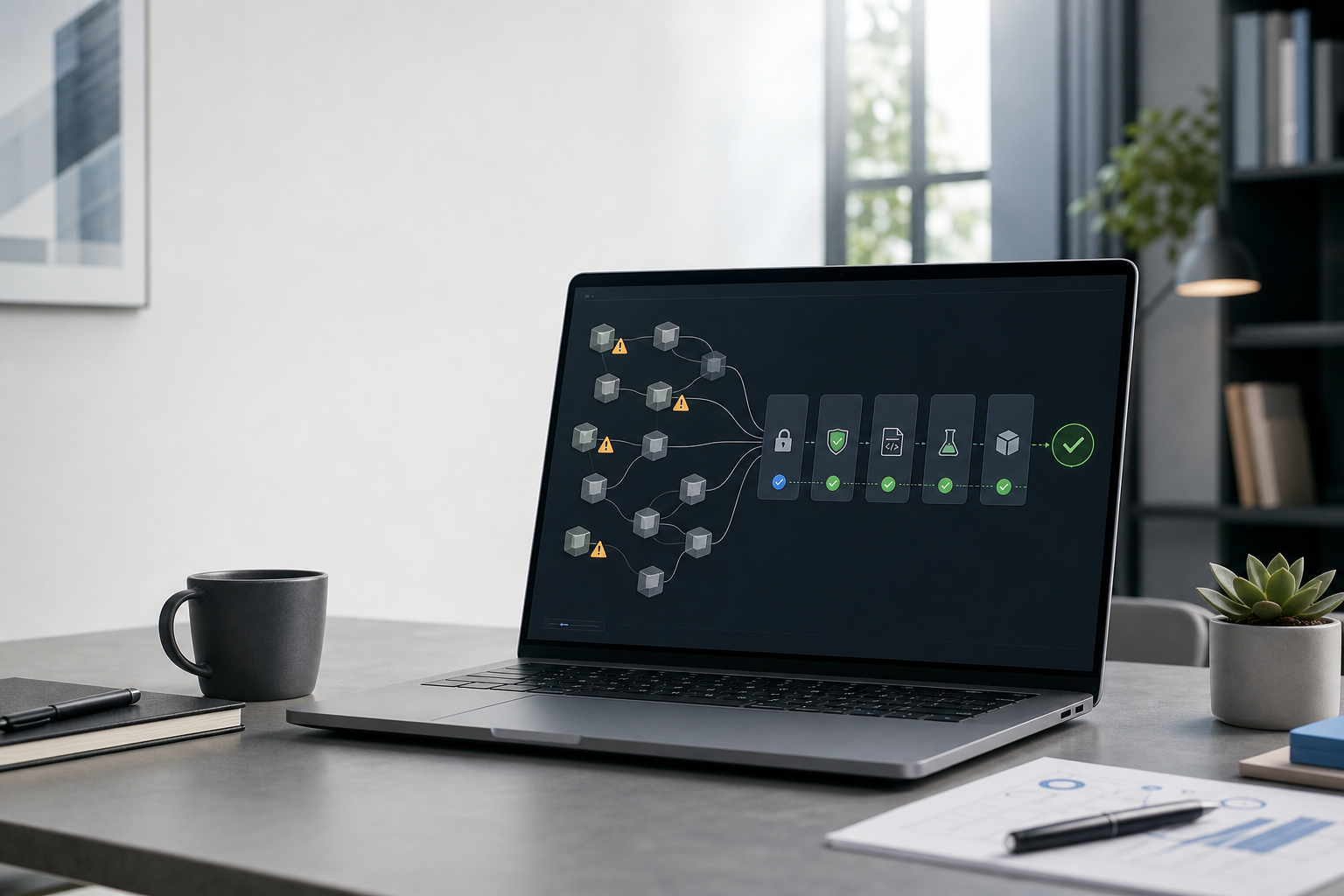
A strong internal-tool path might look like this:
- Prototype quickly with AI.
- Decide whether the tool is disposable, useful, or production-bound.
- If it is production-bound, assign ownership.
- Classify the data and actions.
- Move secrets, hosting, and access into approved infrastructure.
- Add tests for the important business rules.
- Add logs for meaningful actions.
- Document how the tool works and when it should be retired.
- Review the tool after real usage.
This gives teams the best part of AI-supported development: fast learning. But it avoids the worst part: a growing collection of invisible systems that nobody can safely maintain.
Where McDougall Digital helps
McDougall Digital works with teams that want AI speed without software chaos.
For internal tools, that usually means helping clients decide which tools should remain prototypes, which should become supported business software, and which should be merged into a larger product or platform. The technical work may include architecture review, authentication, permissions, data boundaries, test coverage, deployment, documentation, and maintainability cleanup.
The important part is the judgement around the tool.
Some AI-built tools should be thrown away after they teach the team something. Some should be hardened because they save real operational time. Some reveal a deeper product or process problem that deserves a more permanent solution.
AI makes it easier to create internal software.
Architecture decides whether that software becomes an advantage or a liability.
This article was created with the help of AI. McDougall Digital is responsible for its content.