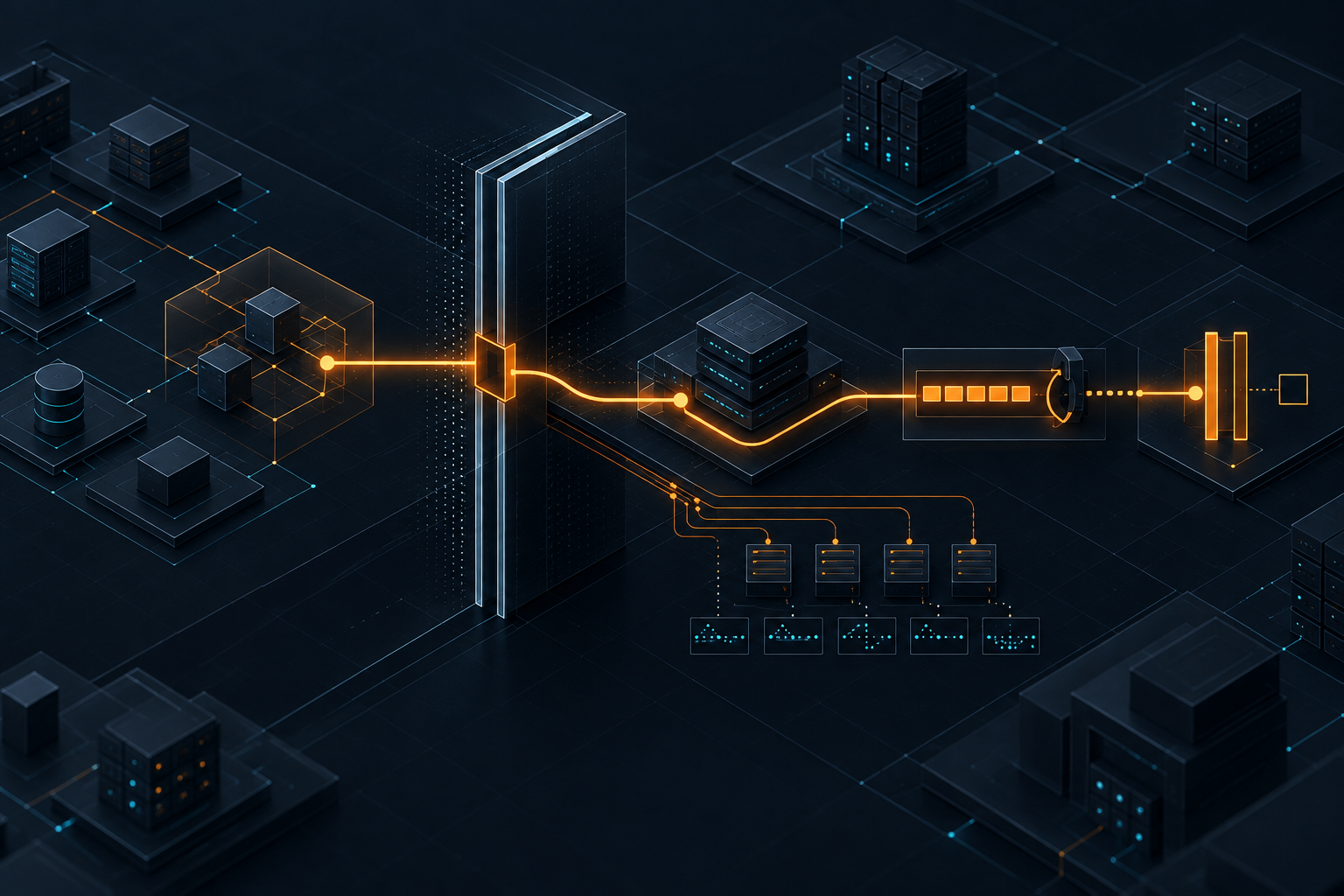
When AI agents touch databases, speed needs boundaries
AI coding agents can accelerate schema work, migrations and backend changes. They should not be allowed near production data without clear operating rules.
Kyluke McDougall
Software Architect & Founder
AI coding agents are getting closer to the database.
That is where the conversation becomes serious.
Writing a React component with Cursor, Claude Code, Codex, Lovable, Bolt or Replit is useful. It can save time. It can help a founder explore a product idea or help a team move faster through ordinary implementation work.
But when an agent starts changing schemas, generating migrations, adjusting row-level security policies, editing seed data, touching ORM models or running commands against database environments, the risk changes shape.
The output is no longer just a diff in the application code.
It may affect the state of the product.
That is why the current X discussion is worth paying attention to. In the last day, posts have clustered around a very practical theme: AI coding agents are moving into production-adjacent work, and databases are one of the places where the blast radius is easiest to underestimate.
One cautionary story making the rounds described a coding agent deleting a production database in seconds after assuming a staging cleanup command would stay scoped to staging. At the same time, Supabase database branching is being discussed as infrastructure designed for exactly this new reality: agents need somewhere safe to test schema changes before production is anywhere near the conversation.
That combination matters.
It shows both sides of the moment. Teams want the speed. Infrastructure vendors are adapting. But the operating model around database work is still catching up.
For founders, CTOs, product owners and German Mittelstand teams, this is not a niche developer concern. If your product depends on customer data, operational records, bookings, payments, documents, workflows or internal approvals, then your database is not just a technical component.
It is part of the business.
The database is where demos meet consequences
AI coding tools are excellent at producing visible progress.
They can scaffold a dashboard, add a form, write a route, connect an API and create something that looks like a working product. That is valuable. It lowers the cost of experimentation and makes software feel less mysterious to non-technical stakeholders.
But many generated applications have a familiar weak point: the data layer.
The UI may look coherent while the database model is improvised. Authentication may appear to work while authorization is shallow. A table may store the right fields for a demo, but fail when roles, permissions, audit trails, history, billing states, deletion rules or reporting requirements appear.
This is not because AI tools are useless.
It is because database design is where product decisions become durable.
A screen can be redesigned. A button can move. A component can be rewritten. A database model, once real users and real processes depend on it, is harder to change casually.
Every schema decision carries assumptions:
- Which entities matter?
- Which relationships are stable?
- Which actions need history?
- Which data belongs to a tenant, customer, user or organisation?
- Which records may be deleted?
- Which fields become legally or operationally sensitive?
- Which permissions must be enforced in the database, not only in the interface?
- Which migrations can run safely while customers are using the product?
AI agents can help answer some of these questions.
They should not silently decide all of them.
The real risk is not that an agent writes bad SQL
Bad SQL is a problem. It is also easy to focus on the wrong version of the problem.
The deeper issue is environment confusion.
An agent that can run commands needs context. It needs to know which database it is connected to, which credentials it is using, whether the target is disposable, whether data is real, whether destructive commands are permitted, and whether a human has approved the operation.
If those boundaries are fuzzy, the agent may behave confidently in the wrong place.
That is not an exotic AI failure. It is a normal operations failure made faster by automation.
Human developers have deleted production data too. The lesson is not that humans are safe and agents are dangerous. The lesson is that speed without boundaries turns ordinary mistakes into incidents.
Agents add a new twist because they can chain actions. They inspect logs, infer a cause, run a command, read the output, adjust the plan and continue. That is exactly what makes them useful. It is also why database work needs stronger constraints than ordinary code generation.
A safe system should not depend on the agent being perfectly cautious.
It should make the dangerous path difficult by design.
What changes when agents work on the data layer
Once agents touch databases, several parts of the software process need to become more explicit.
First, teams need real separation between local, development, staging and production data.
This sounds basic. In many young products and internal tools, it is still messy. Developers may share credentials. Staging may contain copied production data. Environment variables may sit in local files. Test scripts may assume a database can be dropped and recreated. Manual fixes may happen directly in a hosted console.
That may already be risky with humans.
With agents, it is worse because the workflow becomes more conversational. A developer might ask, “Clean up the test data and rerun the migration.” If the agent has access to the wrong credentials, the exact wording of the prompt is not the only issue. The system boundary has already failed.
Second, migrations need a review path.
Agents are good at producing migration files. They can also produce migrations that look reasonable but encode weak assumptions: destructive changes without backfills, missing indexes, nullable fields that should not be nullable, foreign keys that do not match the domain, or authorization rules that sit only in application code.
For a prototype, that may be acceptable.
For a serious product, database migrations deserve the same respect as code changes, sometimes more. They should be reviewed for reversibility, data preservation, performance, locking behaviour, permissions and operational timing.
Third, generated data models need product judgement.
An agent can infer a schema from screens or prompts. But the right data model often depends on business details the prompt does not contain. In a Mittelstand workflow, for example, the difference between “user”, “employee”, “contact”, “approver”, “customer account” and “external partner” may matter deeply. Treating them as one table may work for a demo and become expensive later.
Fourth, production data needs a privilege model.
Agents should not casually receive the same database permissions as senior developers. If an agent only needs to inspect schema metadata, it does not need write access. If it needs to generate a migration, it does not need the ability to run that migration in production. If it needs realistic data, it usually needs anonymised fixtures, not customer records.
This is standard security.
The difference is that AI tooling often enters through convenience before governance catches up.
Database branching is a sign of where things are going
The interesting part of the current trend is that vendors are starting to adapt their infrastructure to agent workflows.
Database branching is a good example.
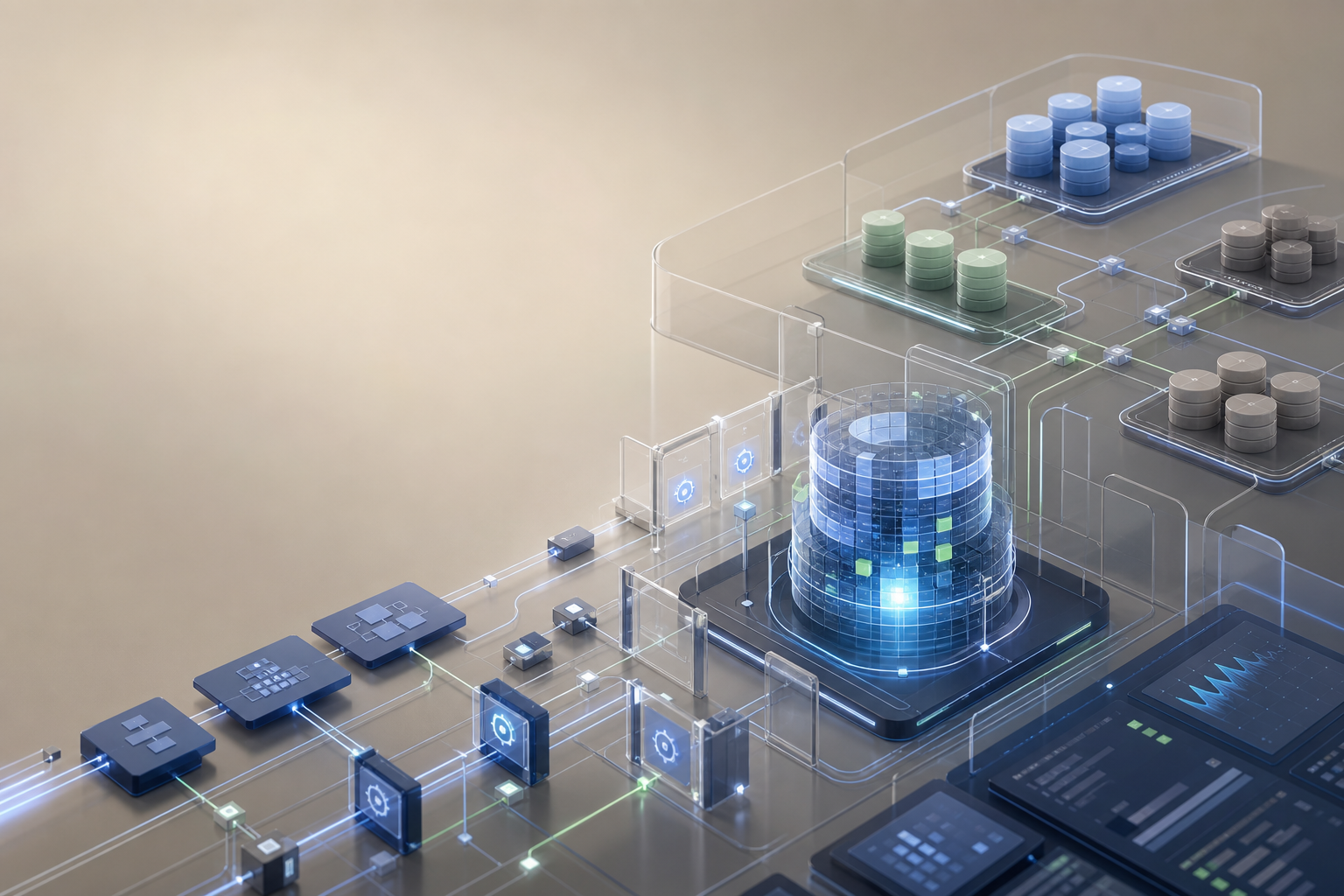
The idea is simple: give the agent a realistic but isolated database environment where it can test schema changes, migrations and application behaviour without threatening production. The branch can be created for a task, used during development, checked in CI and then discarded or promoted through a controlled process.
That is exactly the kind of primitive serious teams need.
Not because every team must use one specific provider. The provider is less important than the pattern:
- agents work against disposable or clearly scoped environments;
- schema changes are tested before merge;
- production credentials are not available by default;
- migrations become reviewable artefacts;
- database state can be reproduced;
- risky operations are blocked or require approval;
- rollback is planned before the change reaches customers.
That turns agentic development from a clever local trick into something that can fit into a real delivery process.
For McDougall Digital, this is the useful framing: AI-supported development should make good engineering easier, not bypass it. If an agent can speed up migration writing, test generation or backend implementation, that is worth using. But it should operate inside an architecture that already understands environments, permissions and data ownership.
A practical operating model
Teams do not need a heavy bureaucracy before using AI agents with databases.
They do need a few non-negotiable rules.
1. Treat production as unavailable by default
Agents should not receive production database credentials during normal development.
That includes local environment files, terminal sessions, CI jobs and shared secrets. If production access is needed for a rare diagnostic task, it should be explicit, temporary, logged and reviewed.
The default assumption should be simple: agents work in local, branch, preview or staging environments.
Production is a separate operational context.
2. Use disposable environments for agent work
Whenever possible, give the agent a database it can break.
That may be a local container, a preview database, a branch, a seeded test database or a staging clone with anonymised data. The point is not perfection. The point is that destructive experimentation should not be able to destroy the business.
This also improves quality. Agents can run migrations, inspect failures and iterate faster when the environment is meant for that kind of work.
3. Make migrations visible
Database changes should be committed, reviewed and tested.
Avoid workflows where an agent directly changes a hosted database through a console or ad hoc command and the team later tries to reconstruct what happened.
A migration file is not just implementation detail. It is a record of how the product’s data model changes over time.
4. Separate generation from approval
An agent can propose a schema. It can write a migration. It can create tests. It can explain the impact.
That does not mean it should approve and apply the change itself.
For low-risk development databases, autonomy may be fine. For production-adjacent changes, approval should come from the team’s normal review path. The agent should not be its own reviewer.
5. Test permissions, not only happy paths
Many AI-generated applications look fine because the happy path works.
Database safety often fails in the unhappy paths: one tenant reading another tenant’s data, a normal user accessing an admin record, a deleted account leaving sensitive rows behind, or a public route exposing an internal table.
If agents help generate backend code, ask them to generate tests for authorization and data isolation too. Then review those tests with the same care as the implementation.
6. Keep auditability boring
When something changes in the database layer, the team should know:
- which branch or environment was used;
- which migration ran;
- which agent or human prepared it;
- which tests were executed;
- which reviewer approved it;
- how the change can be rolled back or repaired.
This does not need to be theatrical. It just needs to be reliable.
Good operations are often boring on purpose.
What this means for founders and product owners
The business question is not “Should we allow AI near the database?”
That is too blunt.
The better question is:
Which database tasks can AI accelerate safely, and what boundaries are needed before the work becomes production-relevant?
For many teams, good starting points include:
- explaining an existing schema;
- generating seed data for demos;
- drafting migrations for review;
- writing tests around data access;
- documenting model relationships;
- identifying missing indexes or constraints;
- comparing a proposed schema to product requirements.
Riskier tasks need more structure:
- destructive migrations;
- production data cleanup;
- tenant isolation;
- payment, invoice or legal records;
- authentication and authorization changes;
- data retention and deletion policies;
- direct production diagnostics.
The distinction matters because AI adoption usually fails in one of two ways.
Some teams block everything until the process becomes irrelevant.
Others give tools broad access because the demo looked useful.
Neither is a good operating model.
The useful middle is deliberate adoption: start with low-risk acceleration, build the environment and review controls, then expand the agent’s role where the team can explain the risk.
How we can help
McDougall Digital helps teams use AI-supported software development without turning production systems into experiments.
For database-heavy products, that usually means looking at the whole workflow, not only the prompt:
- how environments are separated;
- where production credentials live;
- how migrations are reviewed;
- whether staging data is safe;
- how tests cover permissions and data isolation;
- which agent tasks are allowed;
- which changes require human approval;
- how rollback and audit trails work.
This is architecture work, but it is practical architecture. The goal is not to slow the team down. The goal is to make AI speed usable in a product that customers, employees and operators can rely on.
AI agents will keep getting better at writing database-related code.
That is good news.
But the database is where software stops being a demo and starts carrying business reality.
Speed belongs there only when the boundaries are clear.
This article was created with the help of AI. McDougall Digital is responsible for its content.