Claude Design Makes Prototypes Cheap. Product Thinking Still Matters.
Claude Design can turn prompts, files, and brand systems into prototypes, decks, and visual assets. The value is real — but teams still need clear intent, design discipline, and human ownership.
Kyluke McDougall
Software Architect & Founder

AI is moving from writing code to shaping the work that happens before code.
That is why Claude Design is worth paying attention to.
Anthropic describes it as a new Anthropic Labs product for creating visual work with Claude: designs, prototypes, slides, one-pagers, pitch decks, landing pages, and other polished artifacts. It is available in research preview for Claude Pro, Max, Team, and Enterprise users, powered by Claude Opus 4.7.
The headline sounds simple: describe what you need, and Claude creates a first version.
The more interesting point is this:
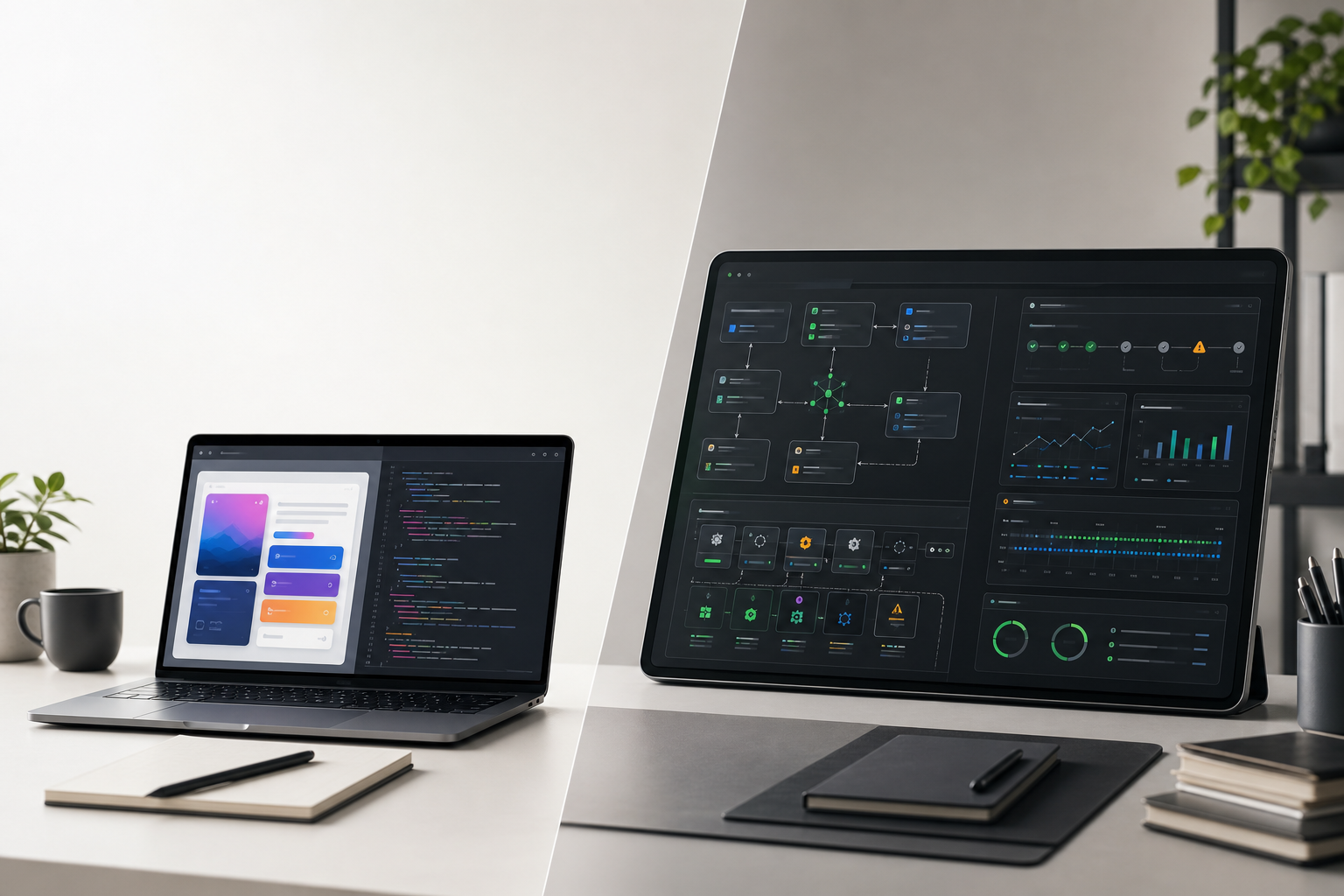
Claude Design reduces the cost of making ideas visible.
That can change how teams explore, discuss, and validate product decisions. But it does not remove the need for product judgment, design systems, technical review, or clear ownership.
Why this matters
Most software projects do not fail because nobody could draw a screen.
They fail because the team was unclear about:
- who the user is;
- what decision the interface should support;
- which workflow matters most;
- what can be simplified;
- what must be reliable;
- and what should never have been built in the first place.
Visual tools can help here, but only if they make the conversation sharper.
A rough prototype is useful when it reveals assumptions. A beautiful prototype is dangerous when it hides them.
Claude Design will make it much easier for founders, product managers, marketers, designers, and engineers to produce convincing visual artifacts quickly. That is a real advantage.
It also raises the bar for discipline.
If everything can look polished in minutes, teams need to become better at asking whether the thing is actually right.
What Claude Design actually does
Claude Design follows a natural creative workflow:
- start from a prompt, image, document, slide deck, spreadsheet, website capture, or codebase;
- let Claude generate a first visual direction;
- refine it with conversation, inline comments, direct text edits, or live adjustment controls;
- apply a team design system so colors, typography, and components stay consistent;
- export to Canva, PDF, PPTX, standalone HTML, or a project folder;
- and hand off design intent to Claude Code when the prototype is ready to build.
That last point matters.
The handoff between design and engineering is often where good ideas lose context. Static screens rarely explain why a flow exists, which constraints matter, or what trade-offs were made.
A design-to-code workflow that carries intent forward is more valuable than one that simply produces screens faster.
The real value is earlier alignment
Claude Design is not just a design tool. Used well, it is an alignment tool.
It can help a team move from vague discussion to something visible:
- a founder can turn a pitch outline into a product demo;
- a product manager can test a feature flow before writing a ticket;
- a designer can explore more directions before committing;
- a marketer can draft campaign assets without waiting for a full design cycle;
- an engineer can see the intended interaction earlier, not after implementation has already started.
That is useful because software is expensive when misunderstandings survive too long.
The earlier a team sees the thing, the earlier it can challenge the thing.
Design systems become operational assets
One of the strongest parts of Claude Design is the ability to build around an organization’s design system.
During setup, Claude can learn from design files, codebases, brand assets, and other references so future output follows the team’s visual language.
This matters because most AI-generated visual work fails in a predictable way: it looks plausible, but not like the company.
Brand consistency is not decoration. It is trust, recognition, and maintainability.
For product teams, a design system also carries technical meaning:
- which components exist;
- which states are supported;
- how spacing behaves;
- how accessibility is handled;
- how layouts respond;
- and which patterns are already proven in production.
If Claude Design respects that system, it becomes much more useful. If the design system is weak, inconsistent, or missing, the output will be easier to generate but harder to trust.
That is why design system setup should come before broad rollout.
What teams should be careful about
Claude Design is currently a research preview. That does not mean teams should ignore it. It means they should introduce it deliberately.
For enterprise teams, Anthropic’s admin guide makes a few points worth treating seriously:
- Enterprise access is off by default and must be enabled by an admin.
- The design system should be set up before broad usage.
- Access can be controlled with roles.
- Audit logs and usage tracking are not yet supported.
- Uploaded assets are stored persistently under Anthropic’s data retention and deletion policies.
- Data residency is not currently supported.
These details matter.
A team uploading brand guidelines, product screenshots, customer-facing flows, or internal strategy documents needs to know what is appropriate for the tool and what is not.
The right question is not “can Claude Design generate this?”
The right question is “should this workflow, this data, and this decision be handled here?”
A practical rollout model
A sensible rollout looks less like a tool announcement and more like a product process change.
Start with the design system.
Before giving everyone access, let trusted designers and design leads set up and validate the organization’s visual foundation. The goal is not just to make output prettier. The goal is to make output trustworthy.
Then run a small pilot.
Choose a real but contained use case: an internal tool flow, a product concept, a landing page, a pitch deck, or a prototype for a feature that is not yet committed.
Define what “good” means before generating anything:
- Does it follow the brand?
- Does it clarify the user journey?
- Does it expose open questions?
- Can design review improve it quickly?
- Can engineering understand what should be built?
After that, decide where Claude Design belongs in the workflow.
It may be excellent for discovery, prototyping, sales demos, and first drafts. It may be inappropriate for final brand assets without review, regulated workflows, or sensitive internal material.
The rollout should make that distinction explicit.
Where it fits with software delivery
At McDougall Digital, the interesting part is not that AI can produce another asset faster.
The interesting part is how AI can reduce friction between intent and implementation.
A typical software project has several translation steps:
- business goal into product requirement;
- product requirement into user flow;
- user flow into design;
- design into engineering work;
- engineering work into production system;
- production system into long-term operation.
Every translation step can lose meaning.
Claude Design has the potential to improve the middle of that chain. It can make product thinking more visible. It can make design exploration faster. It can give engineering a clearer starting point.
But it does not replace the chain.
A prototype is not an architecture. A polished flow is not a tested system. A handoff bundle is not production ownership.
The same principle still applies:
AI accelerates implementation. Humans own quality.
Good use cases
Claude Design is especially interesting for work where speed of exploration matters:
- early product concepts;
- clickable prototypes;
- internal tools;
- feature flow exploration;
- pitch decks and sales narratives;
- landing pages and campaign drafts;
- stakeholder alignment before development;
- design-to-code handoff preparation.
These are areas where visual clarity creates momentum.
A team can discuss a concrete artifact instead of debating an abstract idea.
That is valuable.
Bad use cases
It should not be used as a shortcut around responsibility.
Be careful when using it for:
- final design approval without designer review;
- production front-end implementation without engineering review;
- sensitive customer data or confidential strategy material;
- regulated workflows without governance;
- replacing product discovery with attractive mockups;
- creating artifacts that look finished before the underlying decision is ready.
The danger is not that Claude Design produces poor work.
The danger is that it can produce good-looking work before the team has done enough thinking.
What clients should take from this
For clients, Claude Design is another sign that AI is moving deeper into the software lifecycle.
The old workflow was slow because every artifact required specialist time.
The new workflow is faster because AI can draft more of those artifacts on demand.
That changes the economics of exploration.
You can test more directions. You can validate earlier. You can bring product, design, engineering, and business stakeholders into the same conversation sooner.
But the cost of bad decisions remains high.
If the wrong problem is framed, Claude Design will help you visualize the wrong solution faster.
If the design system is weak, it will scale inconsistency faster.
If engineering review is skipped, a good prototype can become a fragile product.
Bottom line
Claude Design lowers the cost of visualizing ideas.
It does not lower the cost of deciding which ideas deserve to become software.
Used well, it can make product work more concrete, design exploration broader, and engineering handoff clearer.
Used carelessly, it can make unfinished thinking look finished.
That distinction matters.
At McDougall Digital, we see tools like this as part of a broader AI-augmented workflow: faster drafts, clearer artifacts, stronger collaboration, and human accountability at every decision point.
The tool can raise the pace.
The standard still has to come from the team.
Want a practical next step?
If you are considering Claude Design or a broader AI-assisted product workflow, start with a focused review:
- where your current product ideas lose clarity;
- whether your design system is ready for AI-assisted creation;
- which artifacts could be generated safely;
- where human review must remain mandatory;
- and how design-to-engineering handoff should work in your stack.
That conversation is practical: what to automate, what to protect, and where AI can genuinely improve the path from idea to reliable software.